Video for Sales Meetings: What to Record Before a Big Deal
Which videos to record before an important sales meeting: personal introduction, short demo and objection handling, and how to prepare them in one session.
Before an important sales meeting, the client has already formed an opinion. They've looked at your website, your LinkedIn and whatever reached them by email. A short, well-shot video changes what they think of you before you walk into the room or open the video call.
I direct content sessions at A0Studios, our penthouse at Ronda de Atocha 16, in central Madrid. More and more sales teams arrive with one concrete question: what should I record to go into a big deal in a stronger position? This is what I recommend.
Why a video helps you sell before the meeting
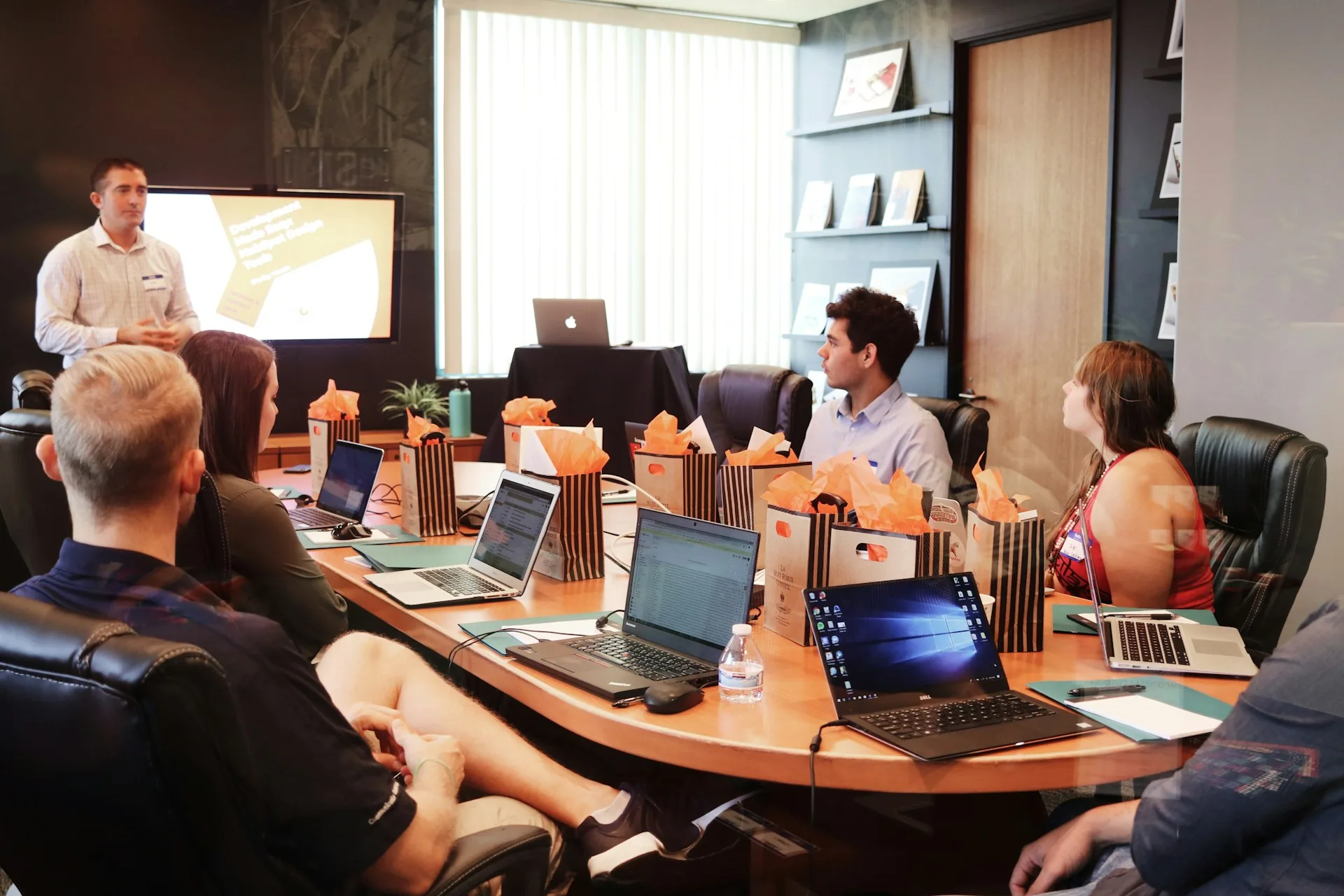
In a complex sale, one person almost never decides alone. Whoever meets you in the meeting later explains it to the rest of the committee, and does it badly or only half. A 60 to 90 second video travels by email or chat and tells your proposal the way you would tell it.
It also saves the most repetitive part of the meeting. If the client has already seen who you are and what you do, the first 15 minutes go to their problem and not to your corporate presentation.
You don't need a big production. The video needs to be clear, sound like a person and be designed for a buying decision, not to get likes on social media.
Think about the exact moment it will be watched. An executive opens the email between two meetings, with the sound half on and little time. That's why the video needs subtitles, an opening line that explains what it's about and a format that looks good on both mobile and laptop.
You also need to decide who appears on camera. In a B2B sale, the client wants to see the person who will look after them: the salesperson, the account director or the founder. A voice-over on stock footage doesn't build the same trust.
How to do it well
A 60 to 90 second introduction video
Who you are, who you help and what result you deliver, in that order. No company history and no list of services. It's shot to camera, with a short teleprompter script and one idea per sentence. It's the piece you send right after confirming the meeting.
A short demo of the product or service
Two to 3 minutes showing how it works and what changes for the client. If it's a digital product, you record the screen and then add your face in a corner or full screen. If it's a service, you show a real result, not an explanation of the process.
Answers to the most common objections
Price, timing, risk, comparison with the competition. Each objection is a 30 to 45 second clip. With 5 or 6 of these clips, your sales team has a library to send right when the client hesitates. This is where the biggest return is, because these are the answers the salesperson repeats every week.
Common mistakes
- Recording a generic corporate video instead of one designed for a buying decision.
- Running past 2 minutes on the introduction piece: nobody watches it all.
- Talking about the company instead of the client's problem.
- Recording everything on a phone in the office, with echo and background noise.
- Not making clear at the end what the client should do: reply, book a date or open a document.
- Recording a single piece instead of a library of reusable clips for the team.
A practical rule: record before you need it. Objection videos get recorded when there's no rush, with answers already polished from giving them a hundred times. Recording them the night before an important meeting turns out worse and, on top of that, they no longer serve you for the next ones.
And review them every six months. If the price, the product or the competition changes, the clip goes stale. With a twice-yearly session of 2 or 3 hours you keep the library up to date without it becoming a separate project.
How we approach it at A0Studios
At A0Studios we don't leave you alone in front of the camera. We direct the session with a sales mindset: what to say first, what to cut and how to sound confident without sounding like an ad. We work with companies such as IFEMA, the Madrid Chamber of Commerce and Cinesa, and that way of directing is the same whether the video goes into an ad or a client folder.
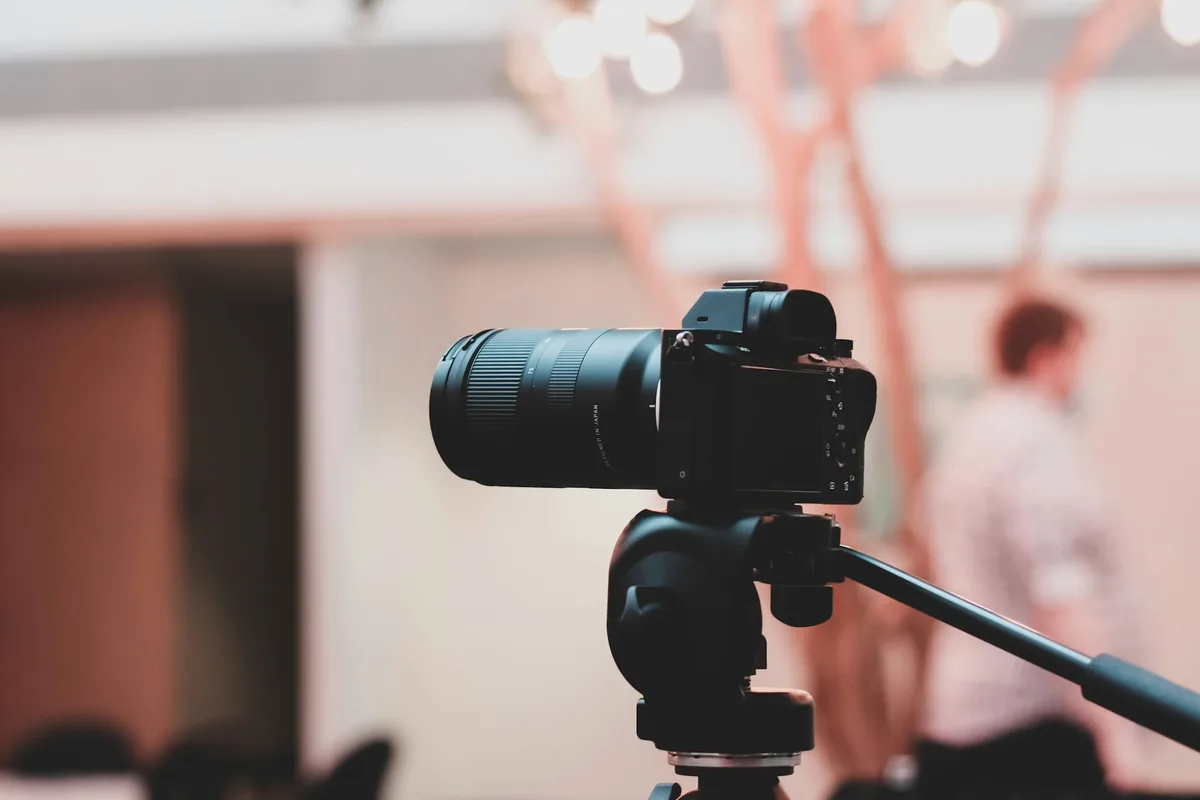
In a 3-hour session you can leave with the introduction video, a demo and between 5 and 8 objection clips. With a Sony A7, 2 microphones and fixed lighting, the result is consistent and edits quickly in DaVinci Resolve.
Frequently asked questions
How long should a video for a sales meeting be?
The introduction, between 60 and 90 seconds. The demo, 2 to 3 minutes. Objection answers, 30 to 45 seconds each. Any longer and people stop watching.
Does it make sense if my sale closes over a video call?
Yes. A video sent before the call clarifies who you are and what you offer, and the call starts right at the client's problem.
Can I reuse these videos on social media or in ads?
The introduction and objection videos work well on LinkedIn and as the basis for ads. If we know beforehand, we direct them so they work for both uses.
How long until the edited footage is ready?
It depends on the service. With Recording Only you take away the raw footage. With Recording + Editing or Full Production we deliver the pieces edited and subtitled, in the formats you need.
If you have an important sale on the calendar and want to go in with video, write to us at /#contacto and we'll propose what to record based on your client and your sales cycle.
If you want to record premium content in Madrid, let's talk
From a quick Reels session to a full production day with editing and delivery, we can scope it to fit.