Product explainer video: how to record one that doesn't feel like an ad
How to structure and record a product explainer video that answers real questions instead of hard-selling, with the script, pacing and shots that work.
A product explainer video has a very specific job: to help someone who doesn't know your product understand, in two minutes, what it does, who it is for and why they should care. It is not an ad, even though many companies record it as if it were, with epic music and empty phrases that explain nothing concrete. The more it looks like an ad, the less a first-time viewer trusts it.
At A0Studios, requests come mostly from SaaS founders and product teams: they need a piece they can put on the homepage, in a sales demo or in an onboarding email, and that does the explaining without a salesperson in the room. When it works well, that video answers questions before they are asked and filters out people who don't fit the product.
What a product explainer video is and why it matters
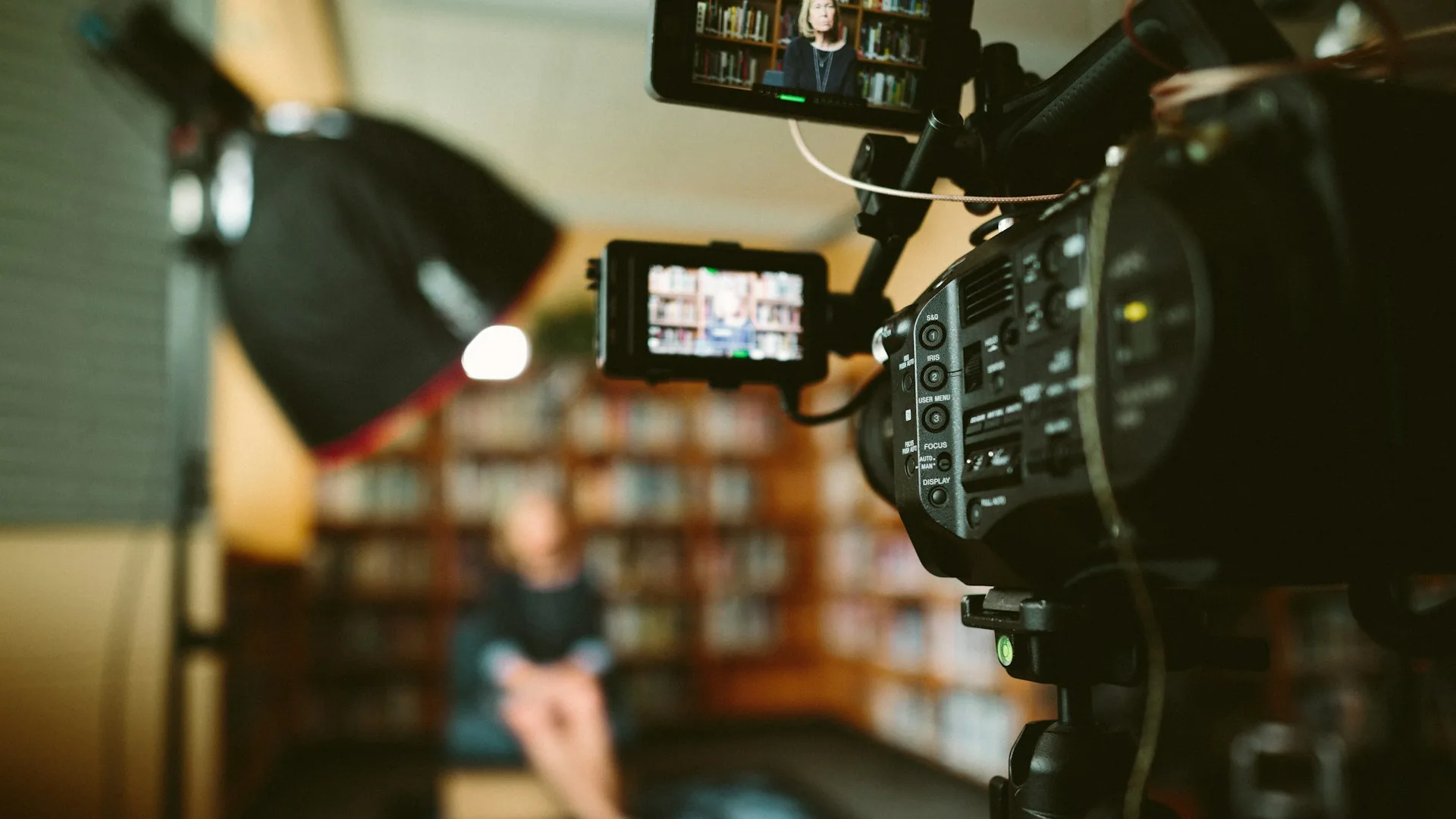
A product explainer combines two things that rarely coexist well in one video: a person explaining and a screen showing how it really works. The face builds trust and sets the pace; the screen lets the viewer see the real product, not a pretty animation that promises more than exists.
The difference from a purely advertising video is the goal: an ad aims to create interest and emotion in a few seconds, while an explainer aims to resolve the specific doubts of someone already considering buying or trying the product. If the viewer finishes the video without knowing exactly what the product does, it has failed, however beautiful it is. And the success metric is different from an ad's: it doesn't matter how many people share it, it matters how many people understand the product after watching it and how many stop having doubts before writing to support or asking for a sales demo.
How to do it well
The script: problem, solution, demo
The structure that works best opens by naming a specific problem the audience recognizes in the first ten seconds, not a generic line that could fit any product. Then the product is presented as the direct answer to that problem, and the rest of the time goes to showing it working, not describing it with adjectives. Less "revolutionary" and "innovative", more "here's how you do this in three steps".
Screen and face: when to use each
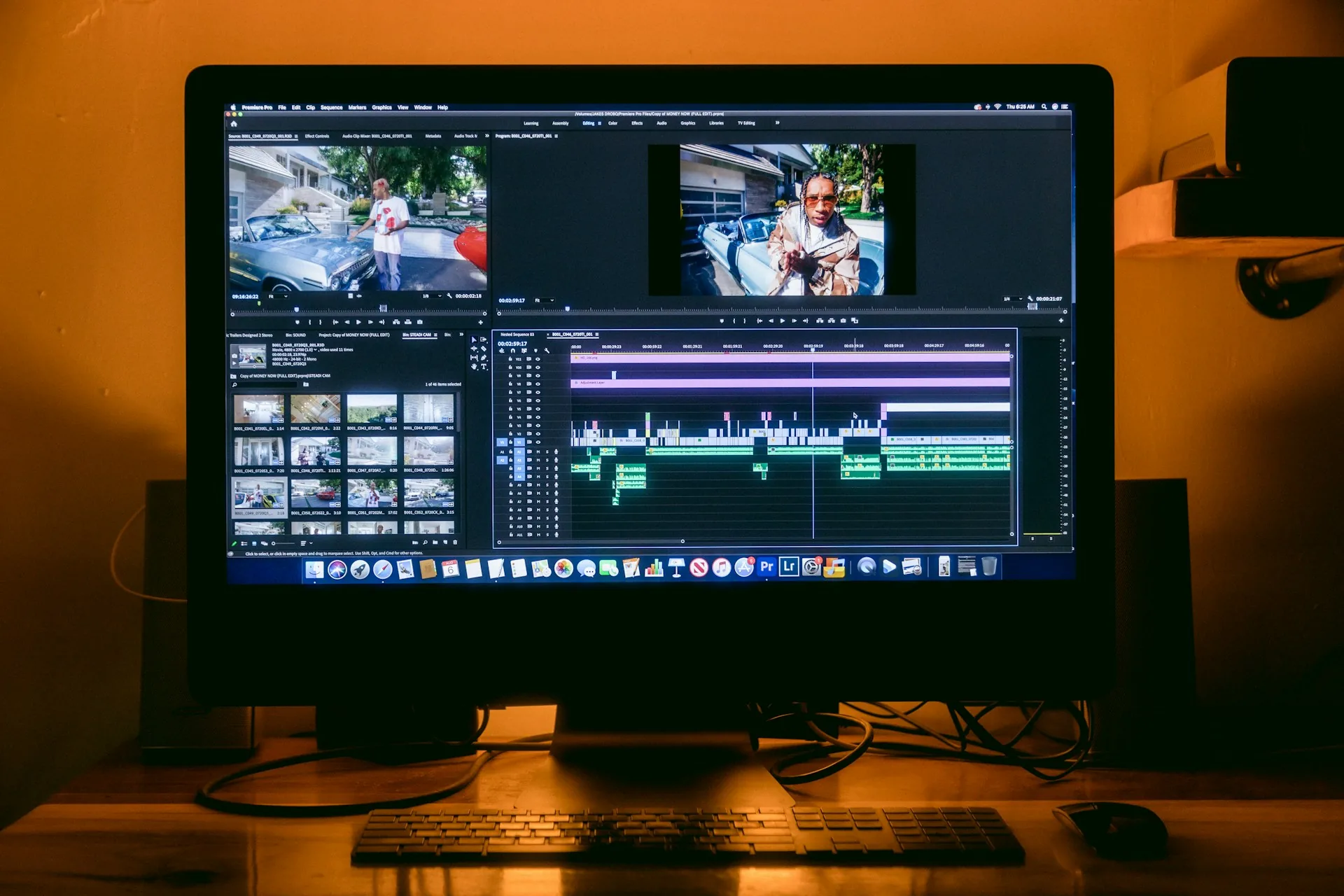
The face works best at the start, to present the problem and build rapport, and at the end, for the close and the call to action. The screen should carry the middle section, where the product is demonstrated: a real flow, with real data or plausible sample data, without filling in forms live or hunting for a button you can't find on the first try. That is recorded separately and calmly, not in one continuous take. Recording the screen in several short takes, one per step of the flow, lets you edit together the cleanest version of each without redoing the whole demo if a single step fails.
Pacing and length
Between 60 and 120 seconds is usually the sweet spot for a product explainer meant for the homepage or a campaign; a fuller demo for a sales email can reach three or four minutes, but it rarely makes sense to go beyond that without cutting into chapters. The pace holds by cutting every four to six seconds between face shot, screen and some supporting visual, so the eye is never fixed on the same frame for too long.
Common mistakes
The same mistakes repeat in most explainers that don't work:
- Starting with the company story instead of the problem it solves.
- Recording the screen in one continuous take, with no way to cut errors or hesitations while navigating.
- Using ad-style music that competes with the voice instead of supporting it.
- Explaining features almost nobody uses instead of the three that really matter.
- Leaving out a clear call to action at the end, so the video has nowhere to lead.
- Recording the voice with the laptop microphone while showing the screen in full screen.
Frequently asked questions
How long should a product explainer video be?
Between 60 and 120 seconds for the homepage or a campaign. A fuller sales demo can reach three or four minutes if it is divided into clear blocks.
Do I need to appear on camera, or is a screen recording enough?
A screen recording is enough if the product explains itself, but a face at the start and end helps build trust and makes clear who is speaking.
Can you record the screen and the face on the same day?
Yes, but separately: first the face part in the studio with good light and audio, then the screen capture at a calm pace, without the pressure of talking at the same time.
What is the difference from a product advertising video?
An advertising video aims to create interest in a few seconds through emotion. An explainer aims to resolve the specific doubts of someone already considering the product, showing how it really works.
If you have a product to explain and want the video to resolve doubts rather than sound like an ad, at A0Studios we record the face part and edit the screen part in the same workflow. Write to us via /#contacto and we'll plan it.
If you want to record premium content in Madrid, let's talk
From a quick Reels session to a full production day with editing and delivery, we can scope it to fit.