Video subtitles: why they are nearly mandatory and how to do them well
Most of your audience watches video without sound. What subtitles add, how to generate them without wasting time and the mistakes that ruin a well-recorded video.
Try this: open Instagram or LinkedIn right now and count how many videos you play with the sound on. Almost none. Most of your audience watches video on the metro, at the office or in a waiting room, with the phone on silent. If your video has no subtitles, for that person it doesn't exist.
It isn't an optional accessibility detail, although it is that too. It is the difference between someone understanding your message in the first three seconds or swiping on and scrolling past. At A0Studios we add subtitles to practically everything we edit, and it isn't a whim: it is the part of the process with the biggest impact on how long people keep watching.
Why subtitles are no longer optional
The fact any social media editor works with is simple: a good share of mobile video plays without audio, especially during the initial scroll, before someone decides to stop and turn the volume up. If the message lives only in the audio, you lose it right at the moment you need to hook.
Subtitles also do something audio alone doesn't: they reinforce the message. Someone who does have the sound on reads and listens at the same time, and that helps retain the main idea, especially in videos with data, figures or concepts that aren't picked up the first time.
And there is the real accessibility side: people with hearing difficulties, people watching your content in a language that isn't their own, or simply someone who doesn't want to turn on sound in a public space. All of those cases depend on the subtitle being there and being done well.
How to do them well
Generate them from the audio, not by hand
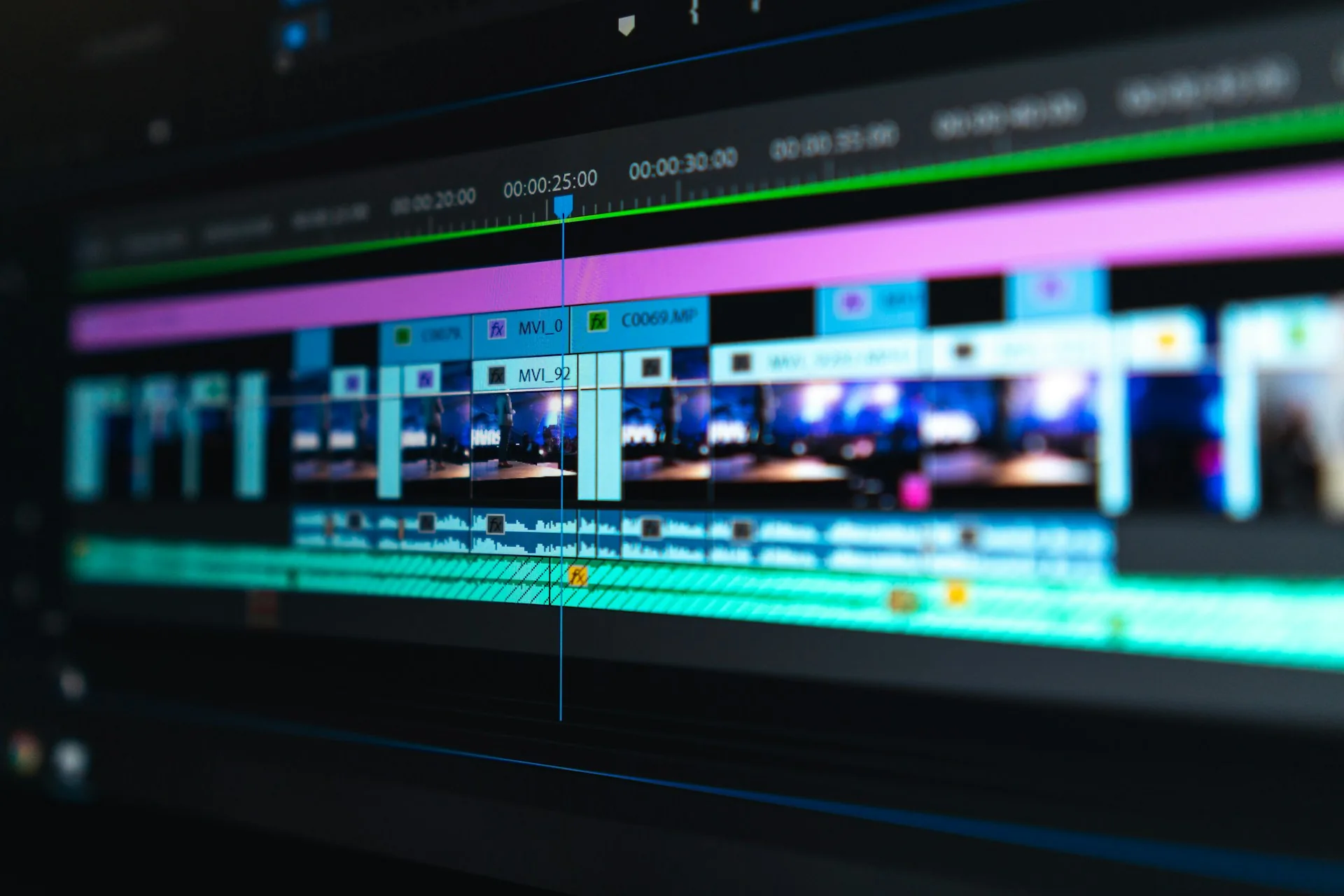
Writing subtitles by hand, minute by minute, makes no sense with today's tools. In DaVinci Resolve or CapCut they are generated automatically from the video's audio, with a low error rate if the recording has good sound. The real work comes afterwards: reviewing, breaking sentences where they should break and fixing what the automatic transcription gets wrong.
Sync them to the rhythm of the cut, not to the full sentence
A common mistake is leaving long sentences on screen for six or seven seconds. The eye doesn't read that way on social media. We cut each subtitle block to two or three short lines, synced with the natural pauses of speech, so they can be read almost effortlessly while the video keeps moving.
Mind the typography, size and contrast
A subtitle has to be readable on a five-inch phone screen, in sunlight or on the metro in low light. Bold typeface, strong contrast with the background and a generous size. No thin letters on a light background that vanish as soon as there is a bright image behind them.

Common subtitling mistakes
- Leaving the auto-generated subtitle unreviewed: proper names, figures and technical terms almost always come out wrong.
- Sentences that are too long on screen, forcing rereads and breaking the video's rhythm.
- Typeface or color that gets lost on light or very bright backgrounds.
- Subtitles burned into the video with no room to adapt them to another language if the content is reused.
- Not checking the final sync after exporting, especially if the video is trimmed or sped up afterwards.
Frequently asked questions
Are automatic subtitles enough?
As a starting point, yes, but they always need a manual review. Automatic transcription fails on proper names, figures and technical words, and those errors are very visible on screen.
Should I burn the subtitles into the video or keep them as a separate file?
It depends on the use. For social media it is best to burn them directly into the video, because most platforms don't display external subtitles well. For YouTube or content that will be translated, it is better to keep a separate subtitle file.
Do subtitles also help the video's SEO?
Yes, especially on YouTube. The transcript gives the platform more context about the video's content, which can improve how it is indexed and which searches it appears in.
How much time does subtitling add to the edit?
With today's tools, little. Generating and reviewing the subtitles for a three or four minute video usually takes between 15 and 30 minutes, depending on how clean the original audio is.
If you record content at A0Studios, the edit includes subtitles reviewed by hand, not just the automatic dump. If you want your next video to be understood with the sound off too, write to us via /#contacto.
If you want to record premium content in Madrid, let's talk
From a quick Reels session to a full production day with editing and delivery, we can scope it to fit.