What is B-roll and why your brand video needs it
What B-roll is, why it separates a flat video from one that hooks viewers and how to plan it before a brand content recording session.
Almost every founder and brand that records with us for the first time asks for the same thing: a video of someone talking to camera. And that's where they stop, because nobody has explained that a video made entirely of one fixed shot of a person talking gets tiring after thirty seconds, however good the content. What holds attention isn't just the voice, it is what you see while that voice speaks.
That is B-roll: the supporting footage cut in with the main shot to add context, rhythm and visual breathing room. Hands typing, a detail of the space, a close-up of a product, someone's reaction in the room. It isn't filler, it is what makes the video look produced and not recorded on a phone propped on a stack of books.
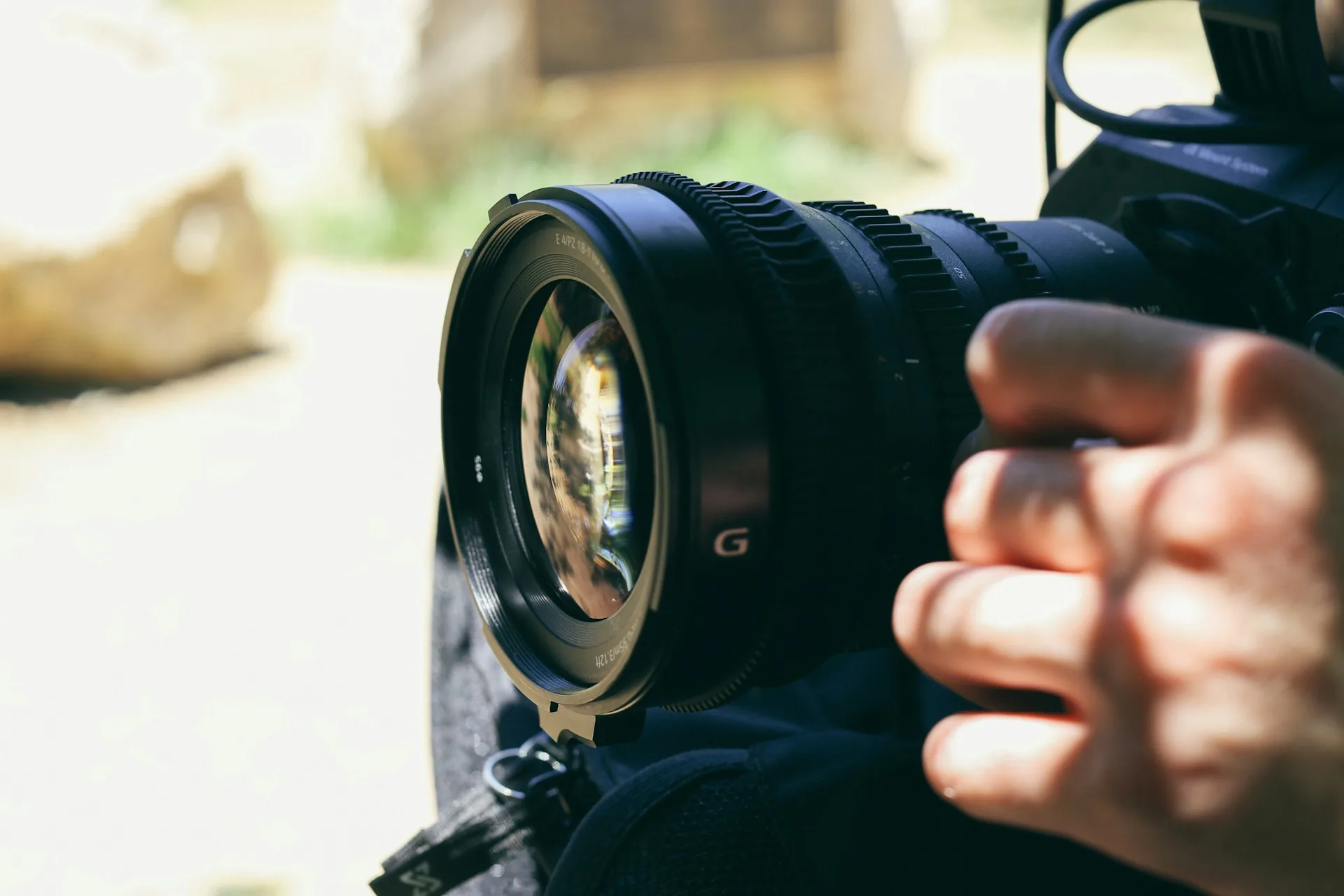
What B-roll is and why it matters
The term comes from film and television, where "A-roll" is the main footage (the interview, the central scene) and "B-roll" is everything shot around it so you can edit without depending only on that fixed shot. In brand content it works the same way: A-roll is the person talking to camera, and B-roll is what the editor uses to cut, hide a jump cut, illustrate what is being said or simply change the visual rhythm every few seconds.
Without B-roll, every editing cut is noticeable, because you jump from one shot of the face to another shot of the same face at an almost identical angle. With B-roll, that cut is hidden behind an image that reinforces what is being told: if you talk about your team, you cut to people working; if you talk about a product, you cut to a detail of the product. The viewer doesn't notice the edit, they just follow the story.
It is also what lets you get more pieces from a single session. A long video with good B-roll yields short clips for social media without it being obvious that they come from the same recording block, because each clip can lean on a different shot instead of always repeating the same face at the same angle.
How to do it well
Plan the B-roll before the session
The most common mistake is leaving it for the end, when there is no time left. Before recording, go through the script or the points you will cover and note which supporting image fits each one: if you mention the team, you need shots of the team working; if you mention a process, you need shots of that process happening. Ten minutes of planning saves half an hour of improvising in front of the camera, looking for something to shoot.
Vary shots, distances and rhythm
B-roll gets as boring as a fixed shot if every shot is the same. Alternate distances (wide, medium, detail), alternate movement (static, gentle pan, a small zoom) and alternate subject (people, objects, the space). In a one-hour session, 15-20 varied B-roll shots usually give you more than enough material to edit a three or four minute video without repeating an image.
Record more, not less
B-roll is cheap to record and expensive to miss in the edit. Each shot lasts only a few seconds in the final cut, so record each take for five to ten seconds, more than you think you will need. In DaVinci Resolve or CapCut it is always easier to trim a long clip than to stretch one that came up short.
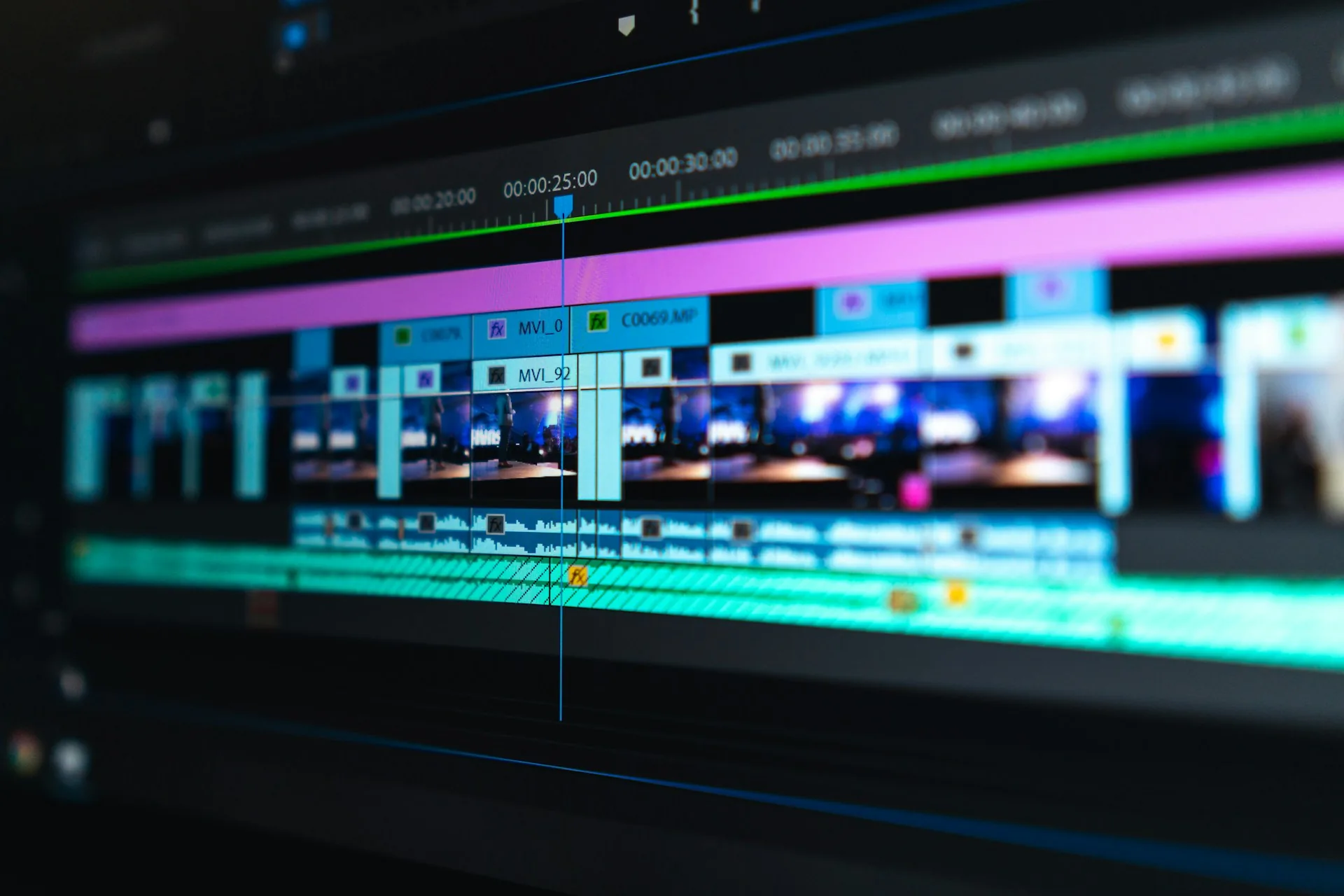
Common B-roll mistakes
- Recording it at the end of the session in a rush, when there is no light or energy left to do it well.
- Repeating the same type of shot (hands on keyboard) in every video until it becomes a crutch.
- Recording takes that are too short and then can't be used in the edit.
- Not relating the B-roll to what is being said, so the viewer notices the mismatch.
- Using generic stock footage instead of your own B-roll, which takes authenticity away from brand content.
Frequently asked questions
How much B-roll do I need for a three-minute video?
As a guide, between 15 and 20 varied shots of five to ten seconds each are usually enough to cover a three to four minute video without repeating an image.
Is B-roll recorded with the same camera as the main shot?
It doesn't have to be. Many brands record the main shot with a fixed camera like a Sony A7 and the B-roll with a second camera or even a phone, as long as the image quality is consistent.
Can I use stock footage instead of recording my own B-roll?
You can, but it loses authenticity. Your own B-roll (your team, your space, your product) reinforces the brand; generic stock footage shows and costs credibility.
How much session time should be spent just on B-roll?
For a one-hour session focused on a main video, setting aside 15 to 20 minutes just for B-roll is usually enough if you arrive with the shot list already worked out.
If you are going to record brand content and want the result to look produced, not improvised, at A0Studios we plan the B-roll as part of the session, not as a last-minute add-on. Write to us via /#contacto and we'll build it together.
If you want to record premium content in Madrid, let's talk
From a quick Reels session to a full production day with editing and delivery, we can scope it to fit.