Podcast with remote guests: how to record it well by combining studio and video call
How to record an episode with a guest on a video call so it doesn't feel different from the studio: tools, framing and editing.
It is increasingly common for a podcast guest to be unable to come to the studio in person: they live in another city, have a tight schedule or simply prefer to connect from their office. That doesn't mean the episode has to sound worse. It means you have to set it up differently.
At A0Studios we record episodes with an in-person guest almost every week, but more and more requests come in to combine someone in the studio with someone connected by video call. It works well if you prepare the right audio and video flow. If you improvise, it shows right away: echo, dropouts, a guest who sounds like a phone call next to another with studio quality.
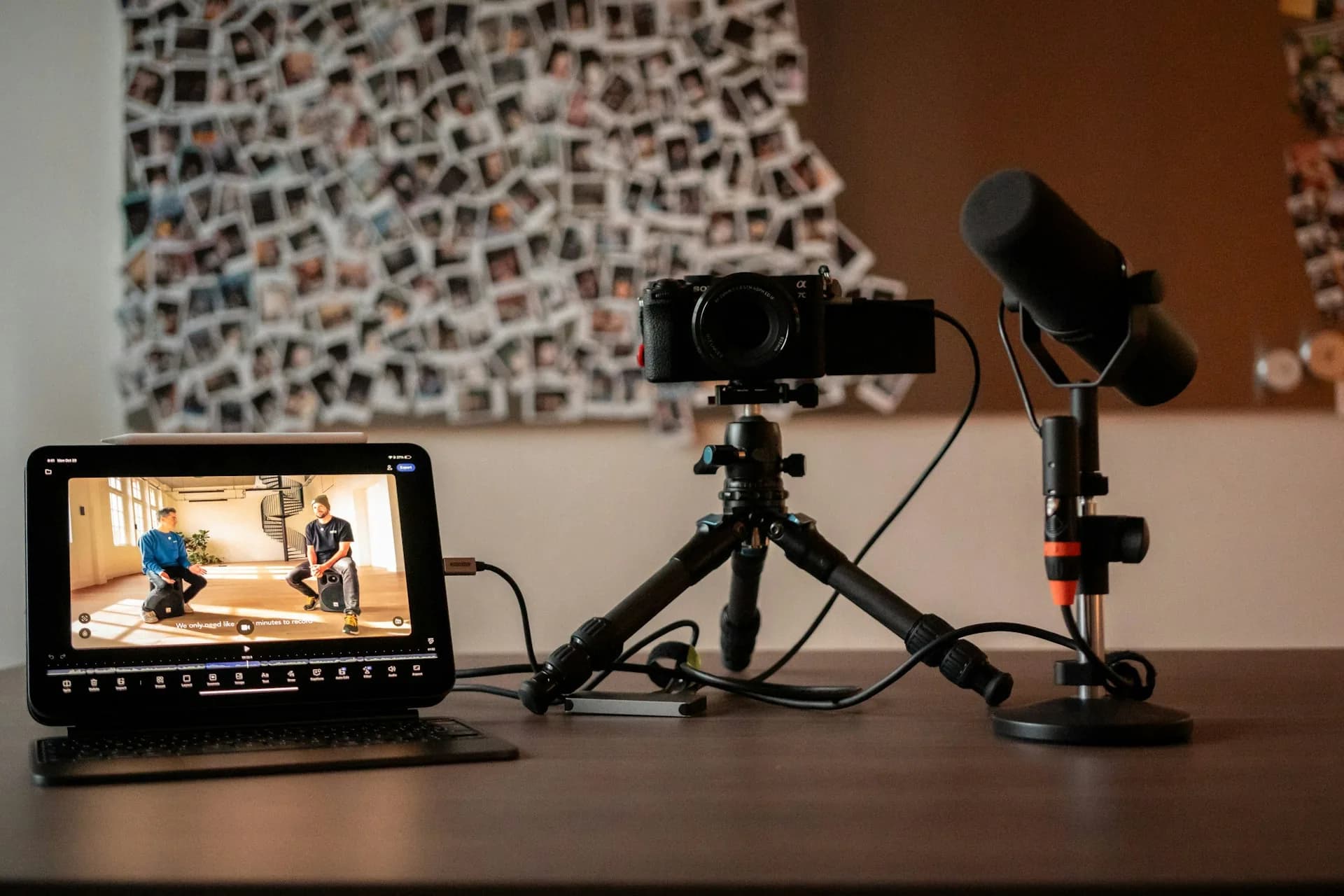
Why a remote guest changes how you record the episode
In the studio, the microphone captures the voice a few centimeters away, with no loss or compression. In a video call, the guest's audio travels over the internet, is compressed so it doesn't cut out and arrives processed by the platform's own system. If you record directly what comes out of Zoom or Meet, that quality difference is audible throughout the episode, and listeners notice it even if they can't explain why.
Video is similar, but visually: the guest appears inside a screen, inside the studio shot. If that screen is badly placed, badly lit or off-center, the result looks like a video call recorded on a phone, not a polished podcast episode. The fix isn't complicated, but it has to be decided before you hit record, not in the edit.
How to record a podcast with a remote guest without it showing
Record the remote audio locally, not through the call
Platforms built for this, like Riverside or Zencastr, record each participant's audio and video locally on their own device and only use the call so you can see and hear each other while you talk. When the recording ends, each track is uploaded in full quality and synced automatically with the rest. The result is a studio-quality track, even if the guest recorded from their laptop at home with a basic microphone.
Mind the framing of the guest's screen
Place the screen with the guest's image right next to the camera lens, at the host's eye level. That way, when the host looks at the screen to speak to the guest, their gaze is almost aligned with the camera and it doesn't look like they are looking to the side. Lower the screen brightness so it doesn't burn out the image or cast a bluish reflection on the host's face, and if the shot allows, dedicate a second camera just to showing the full screen as an extra editing resource.
Sync and balance levels in the edit
Once the tracks are recorded separately, you need to align them on the timeline first, because they almost never start at exactly the same point. Then you level them: the studio track is usually richer and fuller than the remote guest's, recorded with headphones or a simpler microphone. A little compression, EQ and noise reduction in DaVinci Resolve or whichever editor you use helps both voices coexist in the same episode without one sounding like a studio and the other like a work call.
Common mistakes when recording with remote guests
- Recording only what comes out of the call instead of asking for the guest's local track.
- Not doing a sound and connection test ten minutes before recording.
- Leaving the remote guest's volume much lower or higher than the studio's.
- Not telling the guest to use headphones: without them, their microphone picks up the echo of their own speakers.
- Placing the guest's screen as a secondary element in the shot instead of integrating it into the composition.
- Not having a plan B if the connection drops mid-recording.
Frequently asked questions
Do I need special equipment to record a remote guest?
Not much more than usual: a platform that records separate local tracks, like Riverside or Zencastr, a good internet connection and a guest who uses headphones with a decent microphone.
Can the remote guest appear on video or only audio?
They can appear on video without a problem. At A0Studios we integrate them on screen inside the studio shot, like an interview with two locations at once.
What if the guest has a bad internet connection?
That is why you should record locally on their side and use the call only to see and coordinate with each other, not as the final source of audio or video. Even if the call drops, the local recording stays intact.
Is the difference very noticeable compared with recording both in the studio?
With the right workflow, it barely shows in the final result. It shows much more when you record straight from the call, without separate tracks per participant.
If you have an episode with a guest who can't come to Madrid, at A0Studios we set up the hybrid recording so it sounds as if they were in the room. Write to us via /#contacto and we'll prepare it together.
If you want to record premium content in Madrid, let's talk
From a quick Reels session to a full production day with editing and delivery, we can scope it to fit.