Voiceover recording: when to do it in a studio and how to prepare
Not every video needs a face on camera. When a voiceover makes more sense than an on-screen presenter, and how to prepare the script, voice and recording conditions so it sounds professional.
Some videos don't need a face. A product explainer, a corporate video, a tutorial or an ad often works better with a well-recorded voiceover than with someone talking to camera. The problem is that most people who record their own voiceover on a phone or a headset mic sound exactly like that: someone reading a text at home.
The difference between a voiceover that sounds professional and one that doesn't almost always comes down to three things: the script, the voice reading it and the conditions it's recorded in. None of the three requires an expensive studio, but all of them require some thought.
The odd thing is that the three most common mistakes usually go unnoticed by the person recording, because your ear quickly gets used to the echo of your own room. You notice it later, once the video is edited and sounds different from every other professional piece you saw on social media that same day.
What a voiceover is and when you need one
A voiceover is any narration that accompanies a video without the speaker appearing on screen. It's used to explain a process, give context to product footage, narrate a use case, or simply carry a video built on b-roll and graphics instead of a presenter.
It makes sense when the message matters more than the person delivering it: explainer videos, ads, corporate content, or pieces where the real protagonist is the product, the space or the data. It also works when the person who should be on camera isn't comfortable in front of a lens but can calmly narrate a script.
It isn't always the best option. If the video depends on building personal trust, like a sales video or a founder message, a face usually works better than a faceless voice. A voiceover wins when the content is informative and loses when the content needs direct human connection.
There's a middle ground that works very well and that we often use at A0Studios: an explainer built on b-roll and graphics, but with the voice of someone recognizable from the brand, not a generic announcer. You keep brand consistency without needing hours of on-camera filming every time the video is updated.
How to do it well
Write the script for the ear, not for the eye
A script that reads well on a page doesn't always sound good out loud. Long sentences with several subordinate clauses force you to breathe in the middle of an idea, and it shows. We write short sentences, with punctuation that marks where to breathe, and we read the text aloud before recording to catch any tongue twisters that slipped in by accident.
It also helps to mark in the script itself where each video cut or graphic goes, even if it's just a note in square brackets. It helps you read at the right pace for each block and stops the voice running faster or slower than the images in the edit.
Choose the pace and tone for the final use
Narrating a tutorial, where the pace has to be slow enough for every step to land, is not the same as narrating a fifteen-second ad, where every word counts and the tone has to push toward action. Defining this before recording avoids retakes caused by a direction problem, not a technical one.
We record two or three reference takes at the start of the session, changing the pace slightly, and listen to them before moving on to the rest of the script. It takes five minutes and saves you from discovering in the edit that the chosen tone didn't fit the video.
Record in a space with controlled sound
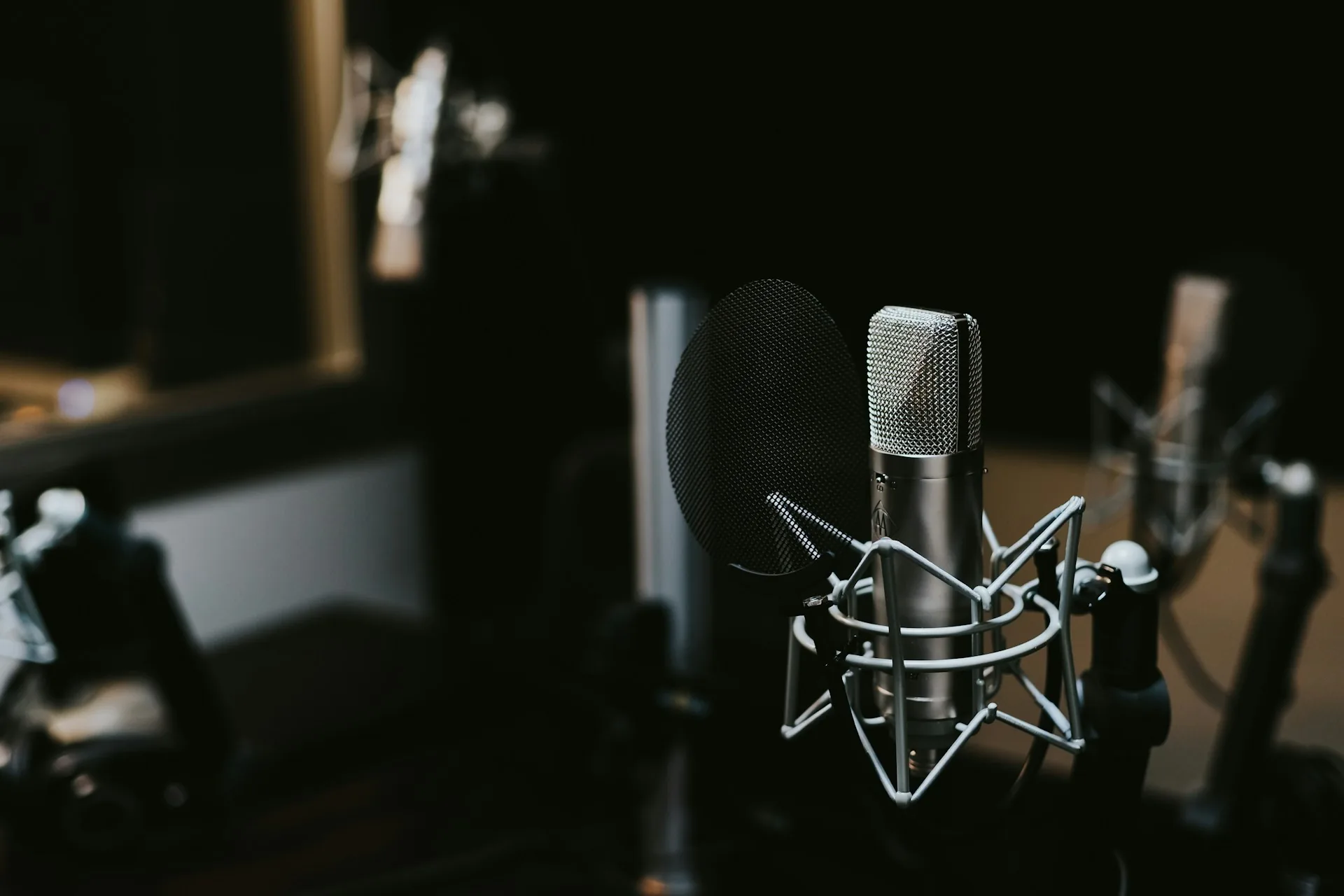
A voiceover recorded in an untreated room shows up in the echo and the background noise, even with a good microphone. In the studio we record with acoustic treatment, no reverb and no ambient noise, and that's what separates a voiceover that sounds like a finished product from one that sounds like a voice note.
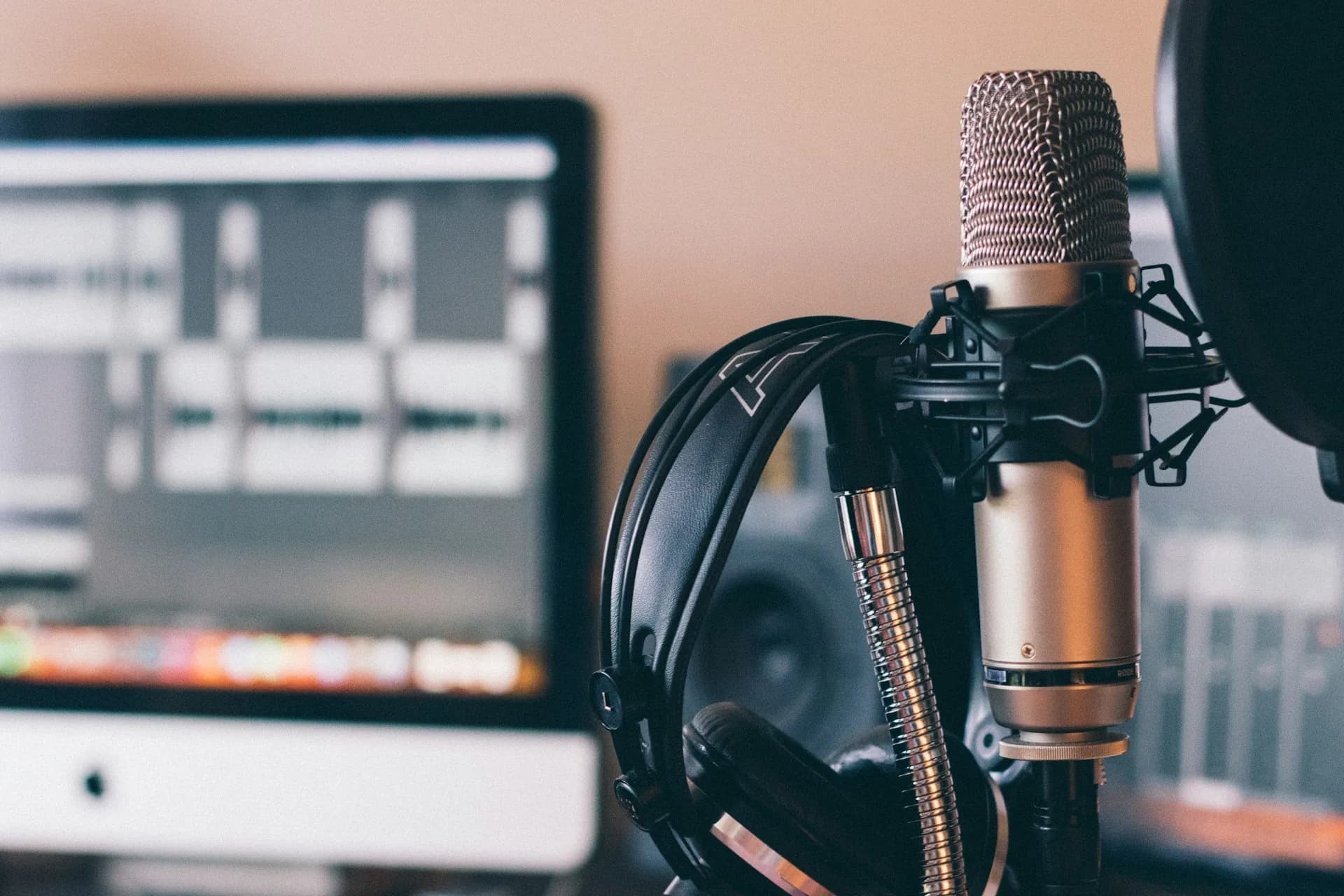
The microphone matters too, but less than people think. A decent condenser in a treated room sounds better than a high-end microphone recorded in an echoey living room. If you have to choose where to invest first, invest in the space before the gear.
Common mistakes when recording voiceover
- Recording without reading the script aloud first, which brings tongue twisters and badly built sentences to the surface mid-take.
- Using a phone or headset microphone instead of a condenser microphone in controlled conditions.
- Reading in a monotone because nobody defined the pace and energy the video needs.
- Leaving no silences or natural pauses, which makes it very hard to edit and sync the voice to the images afterwards.
- Recording the whole script in one go without repeating individual lines, so a single mistake forces you to redo the entire block.
Frequently asked questions
Do I need a professional voice or can I record it myself?
It depends on the use. For internal content or simple explainers, your own voice, well directed and well recorded, is usually enough. For ads or high-exposure brand pieces, a professional voice makes a noticeable difference in how the video is perceived.
How long does it take to record a voiceover in a studio?
For a one or two minute script, 30 to 45 minutes is usually enough, including retakes of lines that don't work the first time. Longer scripts or ones in several languages take more time.
Can I combine a voiceover with a presenter in the same video?
Yes, it's common. A presenter opens or closes the video on camera and the voiceover narrates the process, data or b-roll parts. It helps keep a human connection without relying on one person the whole time.
What delivery format do I need to use the voiceover in editing?
An uncompressed audio file, split into blocks or lines if the script is long, so you can adjust the pace in the edit without re-recording the whole piece for a single change.
If your next video needs a voiceover that sounds like a studio and not a voice note, at A0Studios we record with acoustic treatment and script direction included. Get in touch via /#contacto.
If you want to record premium content in Madrid, let's talk
From a quick Reels session to a full production day with editing and delivery, we can scope it to fit.