Recording webinars and masterclasses: how to do it at a professional level
How to record a webinar or masterclass with camera, screen and audio at a professional level, so the content can be reused after the live session.
More and more founders, coaches and marketing teams ask me the same thing before launching a webinar or masterclass: how to make it look and sound good without feeling like an improvised video call. It makes sense. That video is not used once: it is broadcast live, but afterwards it becomes evergreen content, clips for social media or course material.
The problem is that most people record with whatever they have at hand: the laptop webcam, the built-in microphone, window light that changes halfway through the session. It works for an internal meeting. It does not work when that video has to sell a course, a mentorship or the reputation of the person presenting it.
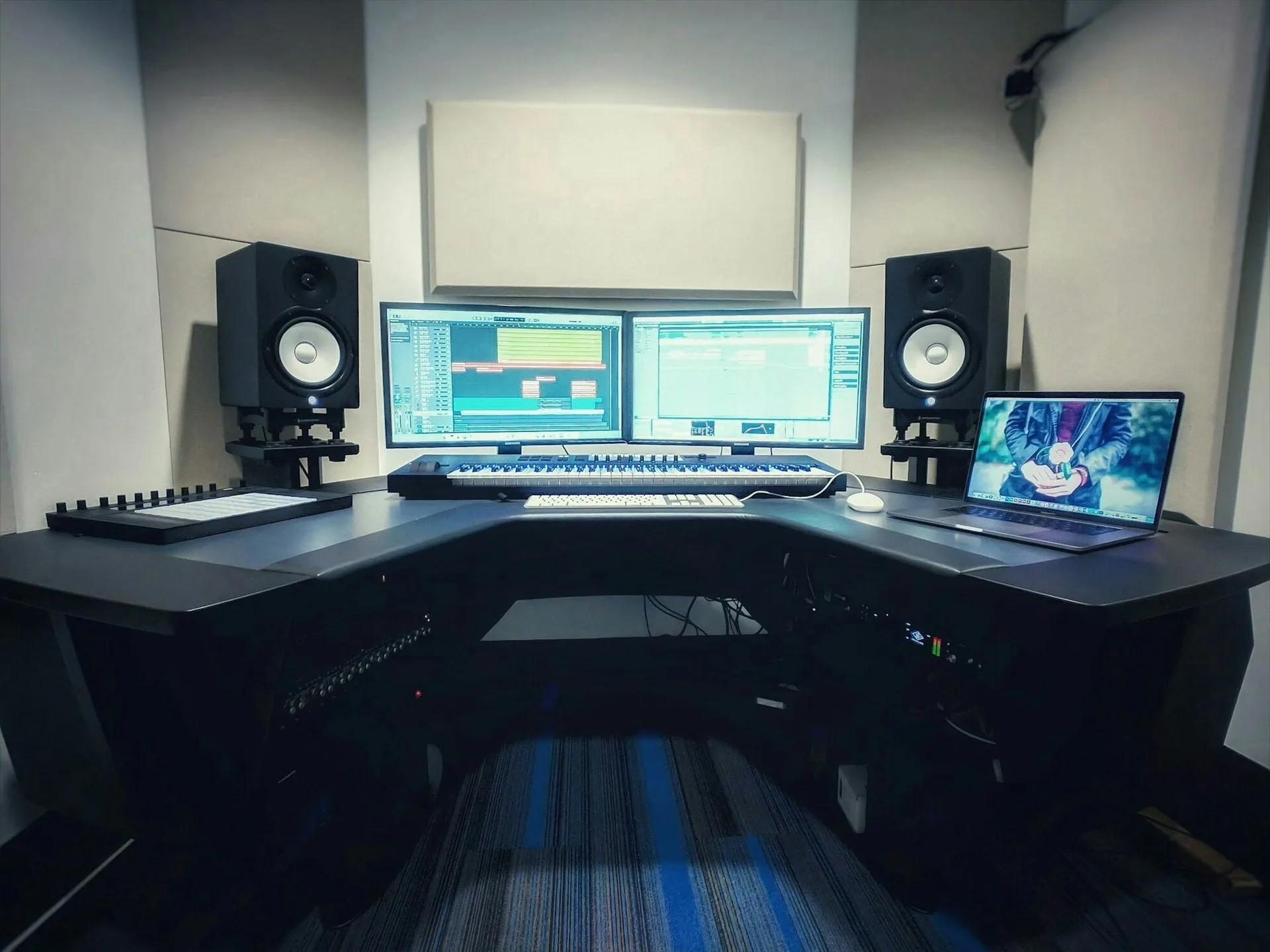
What recording a webinar or masterclass means and why it matters
Recording a webinar at a professional level means separating three things that are all mixed together in a normal video call: the image of the presenter, the shared screen with the slides or demo, and the audio. When each element is captured separately with dedicated gear, you can combine, trim and reuse them in editing without depending on how the live session went.
It matters because a masterclass is usually the piece of content with the highest purchase intent in the whole funnel. The person who makes it to the end of a 45-minute webinar is deciding whether they trust the speaker. If the audio cuts out, the light flickers or the camera is crooked, that technical doubt turns into doubt about the product.
And the same video is almost never used just once. It is cut into clips for LinkedIn, turned into a course module, emailed to whoever could not attend live. Recording it well at the source saves hours of editing later.
How to do it right
A script by blocks, not a word-for-word read
A webinar read word for word sounds like a webinar being read. What works is a script by blocks: what is covered in each segment, which slide goes with each idea and which question or transition marks the change of block. Within each block, the person speaks in their own words. You can tell the difference between someone reading and someone explaining.
Screen, camera and presenter in the same frame
The formula that works best combines the presenter's camera with the shared screen in the same recording, captured separately. That way in editing you can switch between the camera shot for moments of connection and the full screen for dense content, without ever losing the feeling that there is a real person on the other side.
Clean audio before a pretty image
If someone leaves a webinar, it is almost never because the image is not perfect. It is because they cannot understand what is being said. A lavalier or desk mic close to the mouth, with no room echo or background noise, does more for perceived quality than any lighting. In the studio we control both from minute one.
Common mistakes
- Recording with the laptop webcam as the only image source.
- Using the built-in microphone audio, with room echo in the background.
- Text-heavy slides that nobody can read in a recorded video.
- Not recording the screen and the camera separately, which limits editing afterwards.
- Window light that changes intensity halfway through the session.
- Not leaving pauses or block restarts, which makes cutting clips harder later.
Frequently asked questions
Can a webinar be recorded in a studio if it is then broadcast live?
Yes. We record with the same setup you would use live (camera, screen and audio) and that recording works both for the live session and for reuse afterwards without recording again.
How long does it take to record a full masterclass?
For a 45-60 minute masterclass, allow between 2 and 3 hours in the studio, counting sound checks, framing and a cut per block if a part needs to be repeated.
Do I need to share my screen while recording?
It is the most practical option: screen and camera are captured at the same time and in editing you decide when to show each one. If you prefer, you can also record only the camera part and add the slides afterwards.
Can clips for social media be taken from the same recording?
Yes, it is common. From a 45-minute masterclass you usually get several short clips for LinkedIn or Instagram focused on the strongest ideas of each block.
If you have a webinar or masterclass on the calendar and want it to look and sound professional, at A0Studios we set up camera, screen and audio so it comes out right on the first take. Write to us from /#contacto and we will prepare it.
If you want to record premium content in Madrid, let's talk
From a quick Reels session to a full production day with editing and delivery, we can scope it to fit.