Product video in a studio: how to record it so it sells
How to record a product video in a studio: background, lighting and shots so the product looks good and the video helps sell, not just show.
More and more brands come to A0Studios with the same brief: they need a video of their product for the ecommerce page, for an ad or for the website, and what they have shot so far is with a phone, on the office desk, with whatever light came through the window that afternoon. It shows. And when the product is what has to convince someone to buy, that detail weighs.
Recording a product is not the same as recording a person talking to camera. The framing changes, the light changes, even the rhythm of the video changes. A badly lit product looks cheaper than it is, whatever its price. A well-shot one explains itself, with no need for anyone to talk over it.
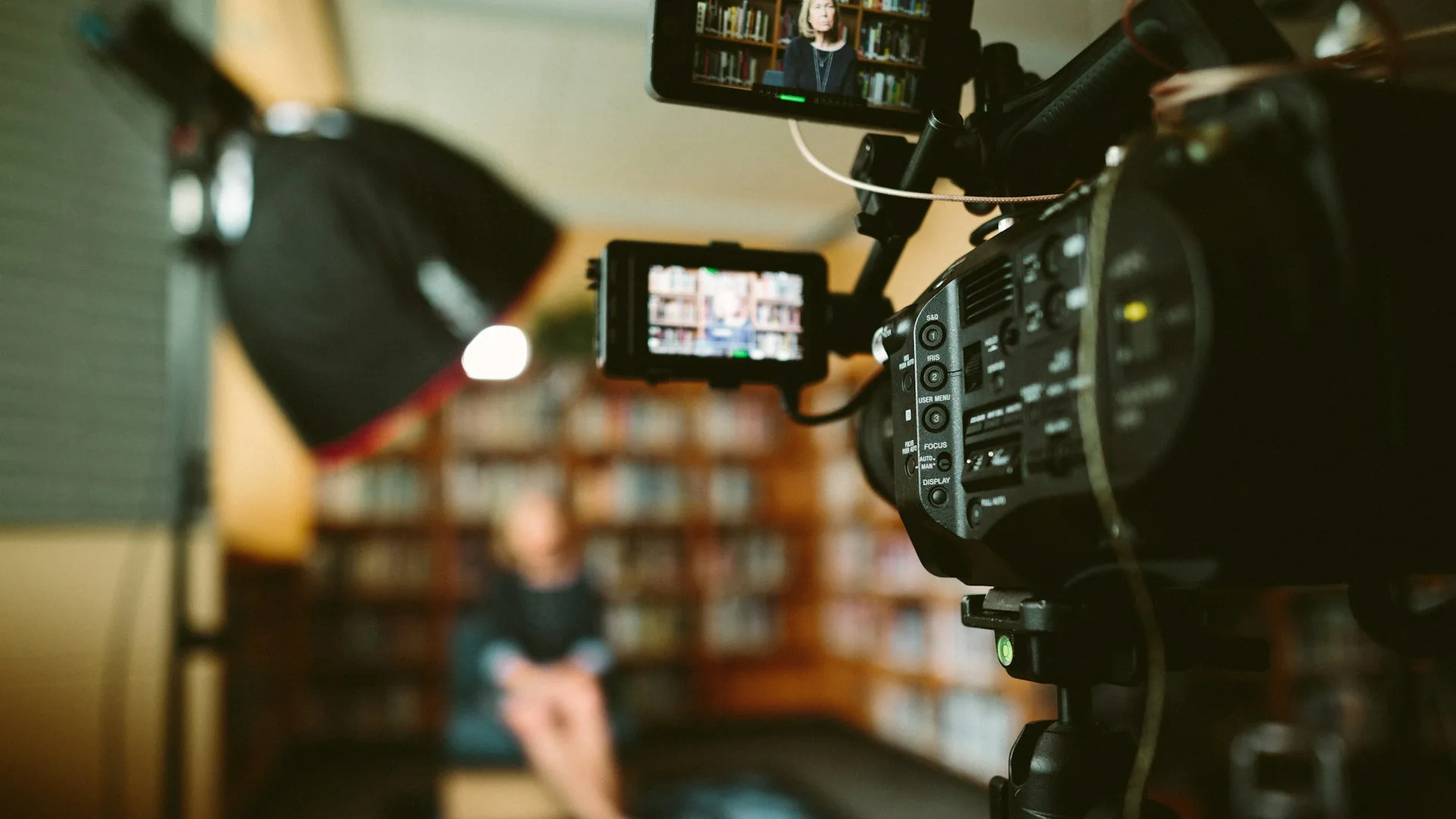
What recording a product video in a studio means and why it matters
Recording a product video in a studio means controlling three variables that are impossible to control at the same time in an office or at home: the background, the light and the camera angle. In a studio the background is neutral or deliberately dressed, the light stays constant throughout the session and the camera can move on a slider or handheld without bumping into furniture.
It matters because the product video is usually the last piece someone sees before deciding whether to buy. On an ecommerce page, in a Meta ad or on the website, that ten- or twenty-second clip has to answer a very specific question: is this what it looks like in the photo? If the product looks badly lit, with odd reflections or a messy background, the brain's answer is doubt, and doubt does not buy.
And unlike a generic brand video, this type of piece gets reused a lot: it serves the website, the ad, the marketplace listing and social media, all from the same session if you shoot with the different formats in mind from the start.
How to do it right
Background and framing depending on where the video will live
If the video is going on an ecommerce page, a white or neutral background is still the safest option: it puts the full focus on the product and is consistent with the rest of the photos on the page. If it is for an ad or social media, a background with context (a table, a texture, an environment) usually works better because it helps people imagine the product in use. Deciding this before recording avoids repeating the session.
Continuous light, no harsh shadows or reflections
For products we work with continuous light, not flash: you see in real time how the shadow falls and can adjust before recording, not afterwards in editing. With two panels and a diffuser or two, you remove the harsh reflection on shiny surfaces (glass, plastic, metal), which is the most common mistake when someone records with whatever they have at hand.
Several shots, not a single static one
A wide shot of the whole product, a detail shot (texture, button, closure, label) and one in motion or in use cover most cases. With a Sony A7-type camera and a macro lens you get the detail without losing sharpness. That detail is exactly what a video shot with a phone from far away cannot give.
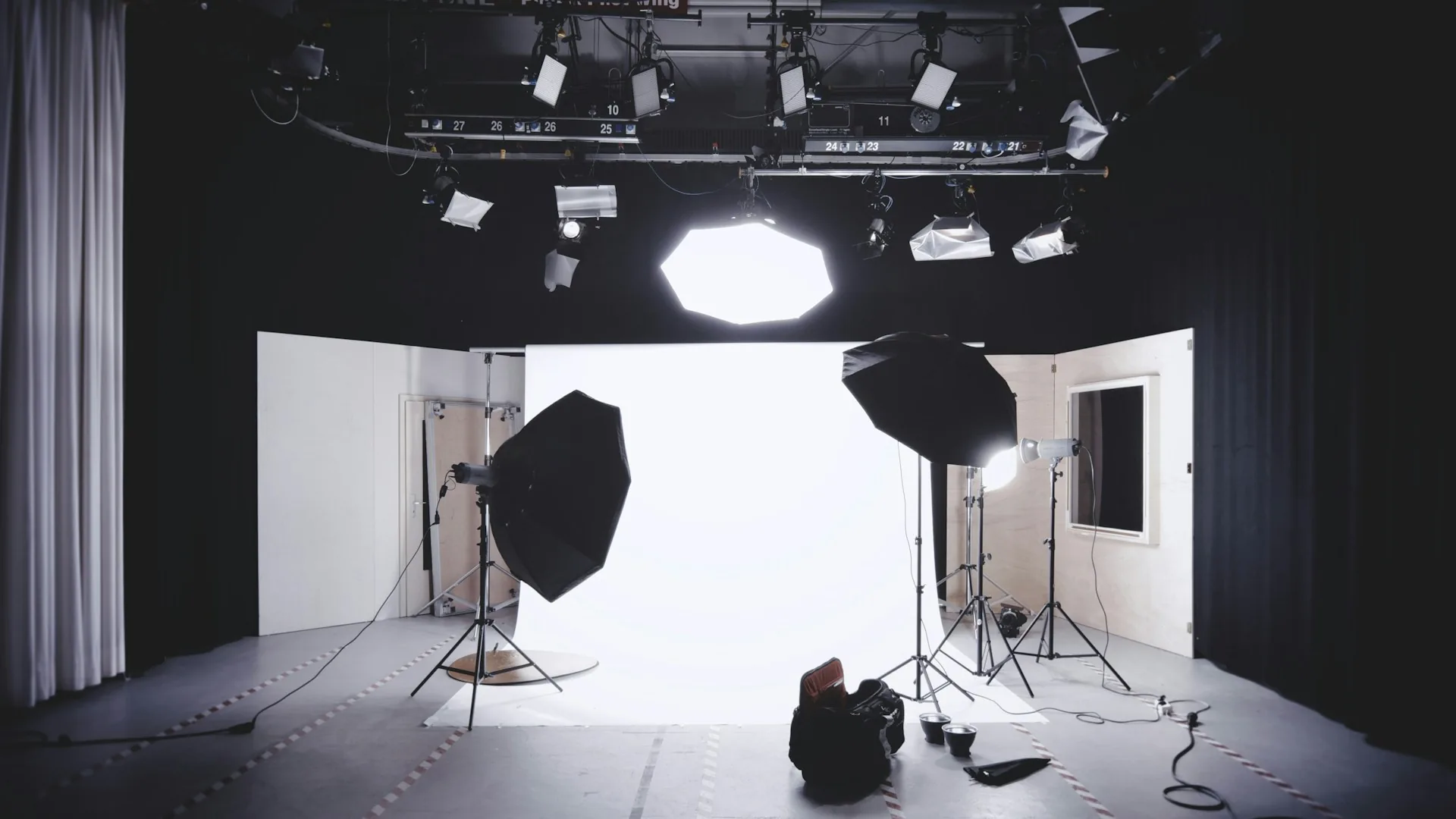
Common mistakes
- Recording with window light, which changes intensity halfway through the session.
- A messy background or objects that distract from the product.
- A single static shot, with no detail or context of use.
- Uncontrolled reflections on glass, metal or plastic surfaces.
- Not thinking ahead about which formats the video will live in (square, vertical, horizontal).
- Shooting the product alone, with no reference of scale or use.
Frequently asked questions
How long does a product recording session in a studio last?
For a product with several shots (wide, detail and use), allow between 1 and 2 hours in the studio. If there are several products from the same range, the same light and framing setup can be reused to speed up the rest.
Can several products be recorded in the same session?
Yes, it is the most common and most efficient approach. Keeping the same background and the same light for the whole range saves setup time and gives visual consistency to the whole product page or catalog.
Do I always need a white packshot-style background?
Not always. A white background works best for ecommerce and marketplaces. For ads or social media, a background with context usually creates more connection with the viewer. It depends on where the video will live.
Can the same video be used for ecommerce and paid ads?
With planning, yes. If you shoot with several formats in mind from the start (horizontal, square, vertical), you can edit one version for the product page and another for the ad without repeating the session.
If you have a product that really needs to look good, at A0Studios we set up background, light and camera so the video does its job: so that whoever watches it understands exactly what they are buying. Write to us from /#contacto and we will prepare it.
If you want to record premium content in Madrid, let's talk
From a quick Reels session to a full production day with editing and delivery, we can scope it to fit.