Recording online courses in Madrid: space, equipment and workflow
What space, what equipment and how to organise the day to record online courses at professional quality in Madrid without wasting time or takes.
Recording a quality online course is not just plugging in a camera and talking. The space shapes the trainer's concentration and the student's perception. The equipment determines whether the audio tires people or the image invites them to keep watching. And the workflow decides whether you record the course in one morning or in three weeks.
At A0Studios we have recorded video training for companies and independent professionals who wanted more than an improvised green screen or a ring light at home. What I share here is what works in practice: which space to use, what minimum equipment you need and how to structure the day so you leave with material ready to edit.
What a space needs to record online courses
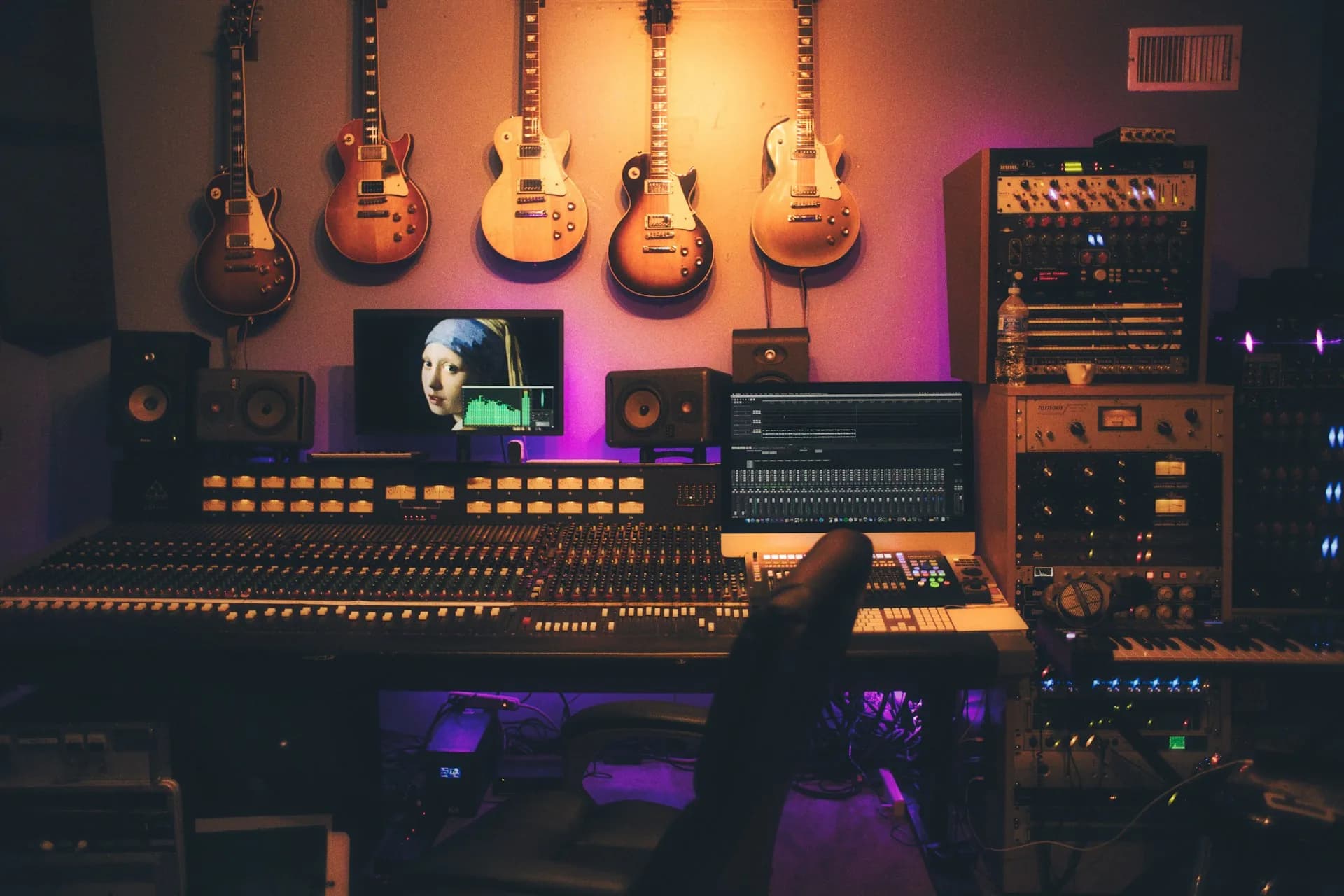
Video training demands more control of the environment than a podcast or an interview. The student will watch the same shot for minutes or even hours. Any visual distraction (a dirty wall, a chaotic background, light that changes with the sun) breaks concentration and lowers the perception of quality even if the content is good.
What works well: a clean, consistent background, controlled lighting that doesn't depend on the time of day, and a room with good acoustics so the voice doesn't bounce. At A0Studios the penthouse has full control over light, a configurable background and treatment that avoids the typical echo of offices or open-plan rooms.
The space also affects the trainer's performance. Recording at home with the phone looking at the laptop and background noise is different from arriving at a prepared space, doing a quick test and starting to record. The concentration shows in the final footage.
Essential equipment for video courses
Camera and lens
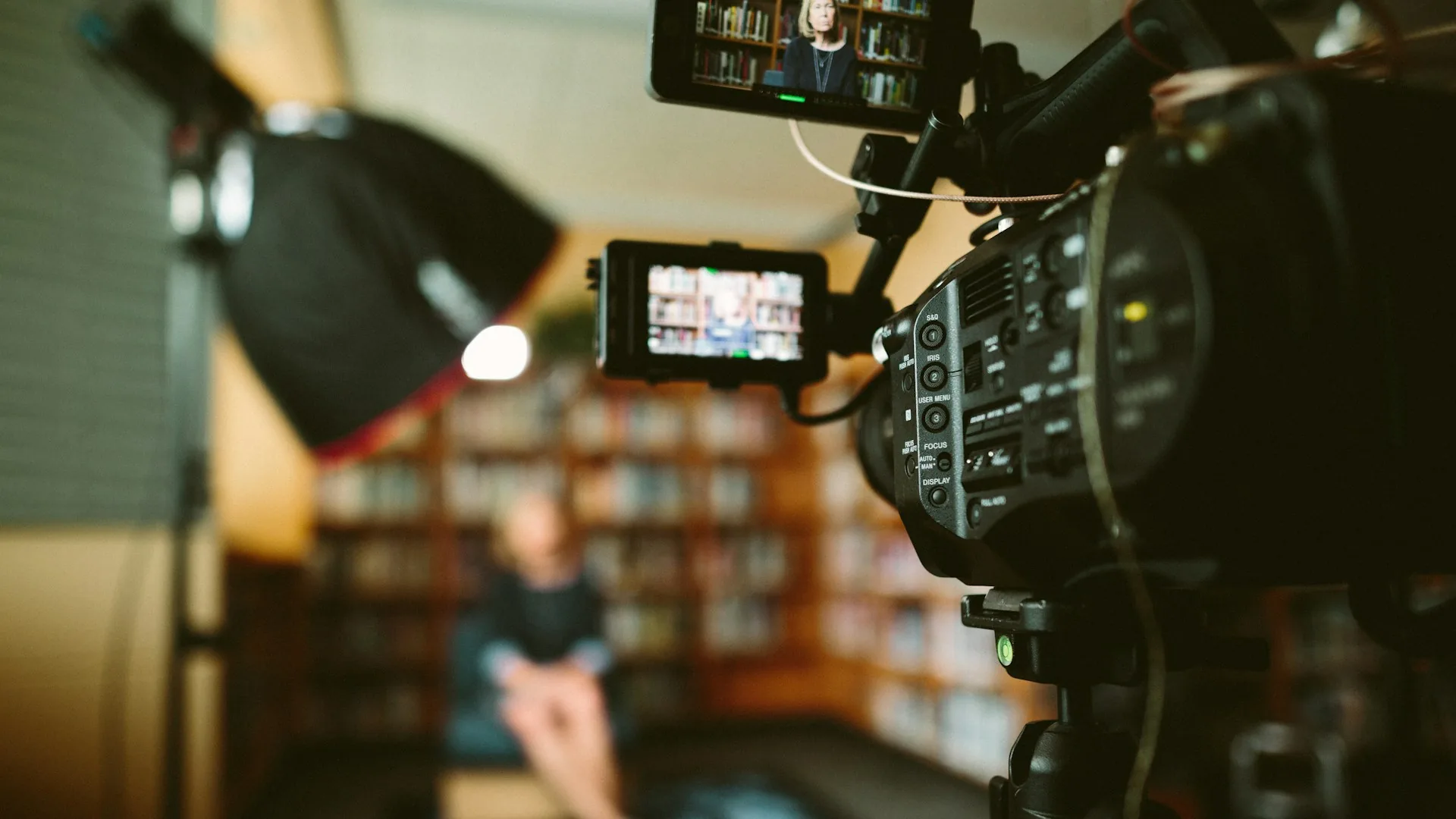
You don't need a cinema camera for online courses. A Sony A7 III or a Sony FX30 with a fixed 35mm or 50mm lens gives a result that any platform (Kajabi, Hotmart, Teachable, YouTube) handles well. What matters is image stability and consistent colour between sessions. With a fixed camera and controlled artificial light, that is solved once and forgotten.
Audio
Audio is where a course is won or lost. If the student has to turn up the volume to understand you or hears echo in the background, they drop out. For single-trainer courses, a condenser microphone like the Rode NT1-A or a dynamic like the Shure SM7B connected to a Focusrite Scarlett interface gives a clean, authoritative voice. A wireless lavalier (Rode Wireless GO II, DJI Mic) is an option if the trainer needs to move, but a well-placed fixed microphone always wins on quality.
Lighting
Soft front light as the key light and a fill to avoid harsh shadows on the face. A softbox like the Aputure Amaran or a large LED ring is enough for most courses. If you want to separate the subject from the background, add a kicker. At A0Studios we set up before you arrive: you arrive, test, record.
How to organise the workflow
- Split the content into modules before you come. One module, one recording block. Don't record the course like one continuous lecture.
- Prepare a script or bullet points per topic. A teleprompter or on-screen notes cut repeated takes in half.
- Reserve the first 20-30 minutes for warm-up: a light test, an audio test and a test fragment. It is not wasted time.
- Record from least to most technically difficult: conceptual modules first, practical demos once you have found your rhythm.
- Rest for 10 minutes every 90 minutes. Your voice and concentration will thank you. Footage recorded after a break is cleaner.
- Deliver the raw footage organised by module and take: it makes editing easier and lets you fix one block without re-recording the whole course.
Frequently asked questions
How many modules can you record in a day at A0Studios?
In a 6-hour day, it is realistic to record between 8 and 12 modules of 5-8 minutes if the trainer arrives with the script prepared. If the modules include demos or setup changes between blocks, the pace drops. The key is to arrive with the content organised and not improvise the order in the room.
Do I need to edit the video before uploading it to the platform?
Yes, even if it's a basic cut. Students have little tolerance for long silences, failed takes or hesitant starts. A clean edit (cutting mistakes, adjusting audio, adding module titles) improves the perception of the course even when the content is the same. With the Recording + Editing service at A0Studios, we deliver the edited video ready to upload.
Do I need to record with a chroma key or green screen?
No. Chroma works well in large productions with a dedicated crew, but in one-day sessions it creates complications: extra space, specific lighting and more laborious editing afterwards. A real background with character (exposed brick, a bookshelf, wood) conveys more personality and costs less in production. At A0Studios the penthouse background provides that context without effects.
Can I record modules from different courses on the same day?
Yes, but you need to plan it. If the two courses have a different visual identity (different outfit, background or lighting setup), it is best to finish one, change the setup and continue with the other. If the identity is the same, there is no problem mixing them as long as the script is clear and the trainer knows which module they are in at each moment.
If you are thinking about recording an online course in Madrid and don't know where to start, at A0Studios we help you structure the day before you arrive. Get in touch via /#contacto and we'll tell you what you need for the type of training you want to produce.
If you want to record premium content in Madrid, let's talk
From a quick Reels session to a full production day with editing and delivery, we can scope it to fit.