Fast video editing vs editing that converts: what's the difference
Not all editing is equal. The gap between assembling clips and editing so the viewer takes action is technical, but above all it is a matter of judgment.
When someone says "edit this quickly for me", they mean clean trims, silences cut, background music and same-day delivery. That is editing, and it works. But there is another kind of editing that does more than remove what is not needed: it organizes the material, directs attention and leads the viewer to do something specific once the video ends.
At A0Studios we do both. The first for those who need speed and volume. The second for those who want every piece to be a real asset. The difference is not the software you use or the editor you hire. It is the judgment behind every editing decision.
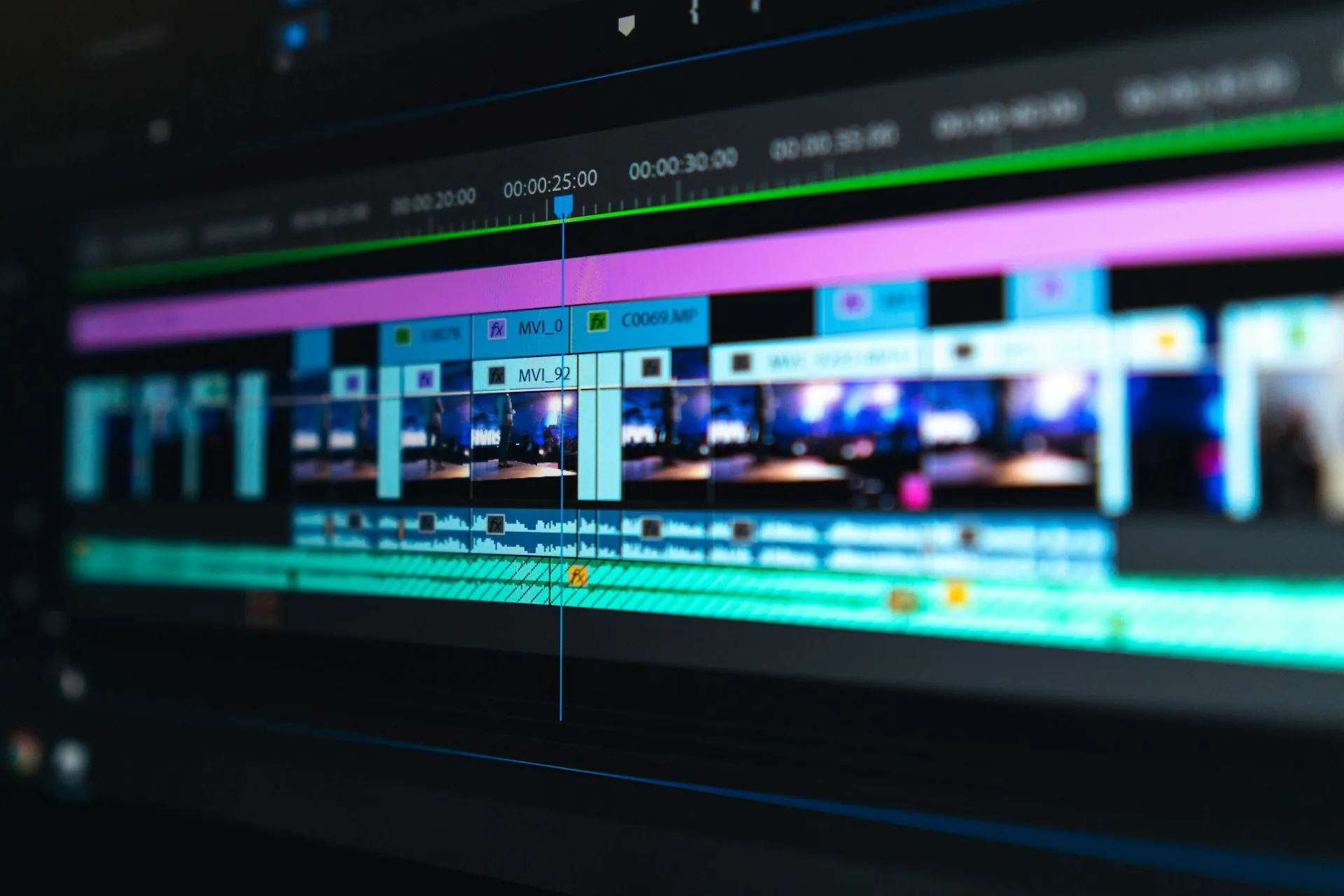
What sets one kind of editing apart from the other
Fast editing starts from the raw footage, removes technical errors, matches audio and video, adds basic graphics and delivers. It is useful and necessary for high-volume content: social clips, event cutdowns, live stream excerpts. There is nothing wrong with working this way when the goal is presence and frequency.
Editing that converts starts before the cut. It starts with a question: what do I want the viewer to do when this ends? From that question, every second is organized. Silences are not removed by default. They are removed when they distract and kept when they build tension or give weight to the argument.
The visual result can look identical: same transitions, same color, same length. But the viewer perceives it differently, even without knowing why.
How editing that converts is built
Narrative structure before opening the timeline
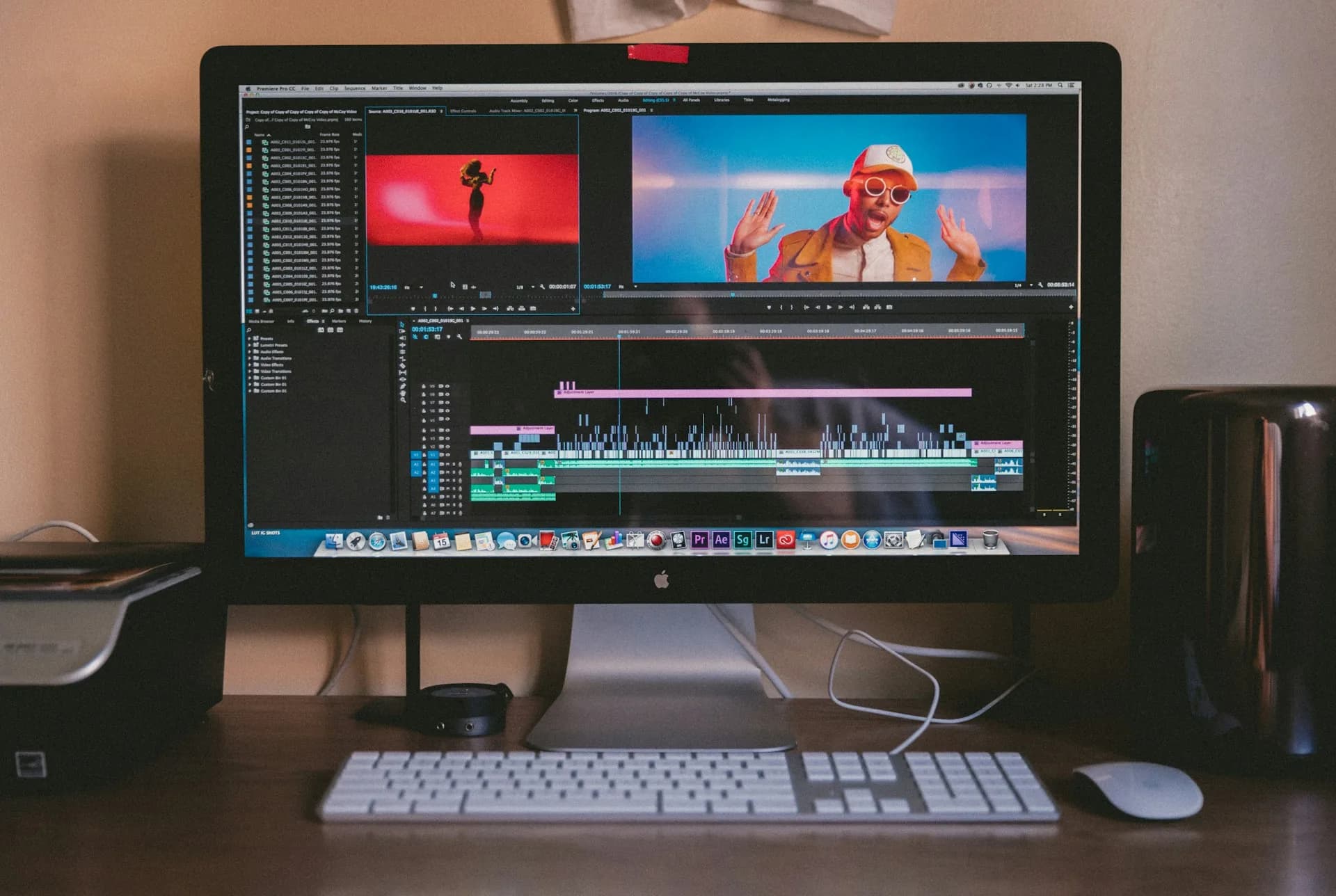
Editing starts in the script or in the room, not in DaVinci Resolve or Premiere. Before touching a clip you need to decide what goes first, where the hook is and when the resolution arrives. An editor without that map edits well technically but without direction. At A0Studios our process always includes reviewing the structure of the material before cutting.
Controlled pacing, not automatic
Cutting speed is not a style, it is a tool. Fast cuts create energy. Slow cuts create credibility and weight. If you cut everything at the same pace, the viewer tunes out. Editing that converts uses pacing as a lever: it speeds up during the demo and slows down on the central argument. No preset or CapCut template applied without judgment does that.
The CTA built in, not tacked on at the end
Most videos treat the CTA as a closing credit: follow me, message me, link in bio. That is a tacked-on CTA. In editing that converts, the CTA comes out of the content: the last sentence creates the need and the viewer is ready to act before you ask. It is not a request, it is a natural consequence of what they just watched.
When to use each type of editing
- Low-risk social clips, stories or live stream excerpts: fast editing is enough.
- Authority content on LinkedIn, reflections or long guides: editing that converts.
- VSL, sales videos or product presentations: always editing with a conversion mindset.
- Interviews that will later become clips: apply conversion judgment from the main edit.
- Client testimonials or case studies: no room for sloppy editing, every second of doubt is a leak.
- Pure branding content with no direct CTA: balance leaving a brand impression with not forcing an action.
Frequently asked questions
How much longer does editing that converts take compared to fast editing?
It depends on the material, but on 3-5 minute projects the time can double. Not because there are more clicks, but because there are more decisions. The editor has to review the raw footage with strategic judgment, not mechanically.
Can you do editing that converts with CapCut or Premiere?
Yes. The software does not matter. What matters is the process before it: structure, goal, pacing. CapCut used with judgment beats Premiere used mechanically.
What information do I need to give the editor so the edit converts?
The goal of the video, who it is for and what action you want the viewer to take at the end. That is enough to guide the edit. Without it, the editor cuts what they see, not what you need.
Can I start with fast editing and scale up later?
Yes, and it makes sense if you are still validating formats. Once you know which type of content works for your audience, you invest in editorial judgment. Many of our clients at A0Studios follow exactly that path.
If you have raw footage from earlier sessions and you are not sure your editing is working, start by reviewing the editorial approach. At A0Studios we handle both recording and post-production. Tell us what you have and what you want to achieve from /#contacto.
If you want to record premium content in Madrid, let's talk
From a quick Reels session to a full production day with editing and delivery, we can scope it to fit.