YouTube Shorts content from a studio session
How to record YouTube Shorts in a studio session in Madrid: what to plan, how to capture it vertically and how to structure clips so they work.
YouTube Shorts has gone from an experiment to one of the formats with the greatest organic reach on the platform. If you already produce content in a studio (podcast, Reels, interviews), adding vertical clips for Shorts doesn't mean extending the session or multiplying the budget. It means planning it before you arrive.
At A0Studios we have been recording content days where part of the material goes straight to YouTube Shorts. Not as a last-minute add-on, but as a format planned from the start. What I share here is how it works in practice: what to capture, how to organise it and which mistakes to avoid so the clips don't end up buried on a hard drive after the session.

Why YouTube Shorts deserves a place in your studio session
YouTube Shorts has something Instagram Reels and TikTok don't have to the same degree: it feeds the long-form YouTube channel directly. A Short that performs can send visits to the full episode, to your company page or to the sales video pinned on the channel. The algorithm favours consistency across mixed formats: people who combine Shorts with long video are more likely to grow the channel as a system, not just as an isolated format.
The second thing that makes Shorts interesting for brands and companies is search inside YouTube. YouTube is the second-largest search engine in the world. A well-titled Short on a specific topic (how to prepare a recording session, which microphone to use for a podcast) shows up in search results when someone looks for that term on YouTube or Google. That is organic traffic that Instagram clips don't generate as efficiently.
How to record Shorts in a studio session
Plan the clips before you walk into the studio
The most frequent mistake is arriving with the idea of using what is left over for Shorts. That rarely works. Clips that work on Shorts have their own structure: a hook in the first 3 seconds, a clear central message and a close with a specific direction. If that isn't thought through before you arrive, what comes out is leftover material that isn't useful in any format. Prepare a list of 5 to 10 Shorts ideas, different from the long-form content you will also record, and arrive with the key points written for each piece.
Capture vertically from the very first moment
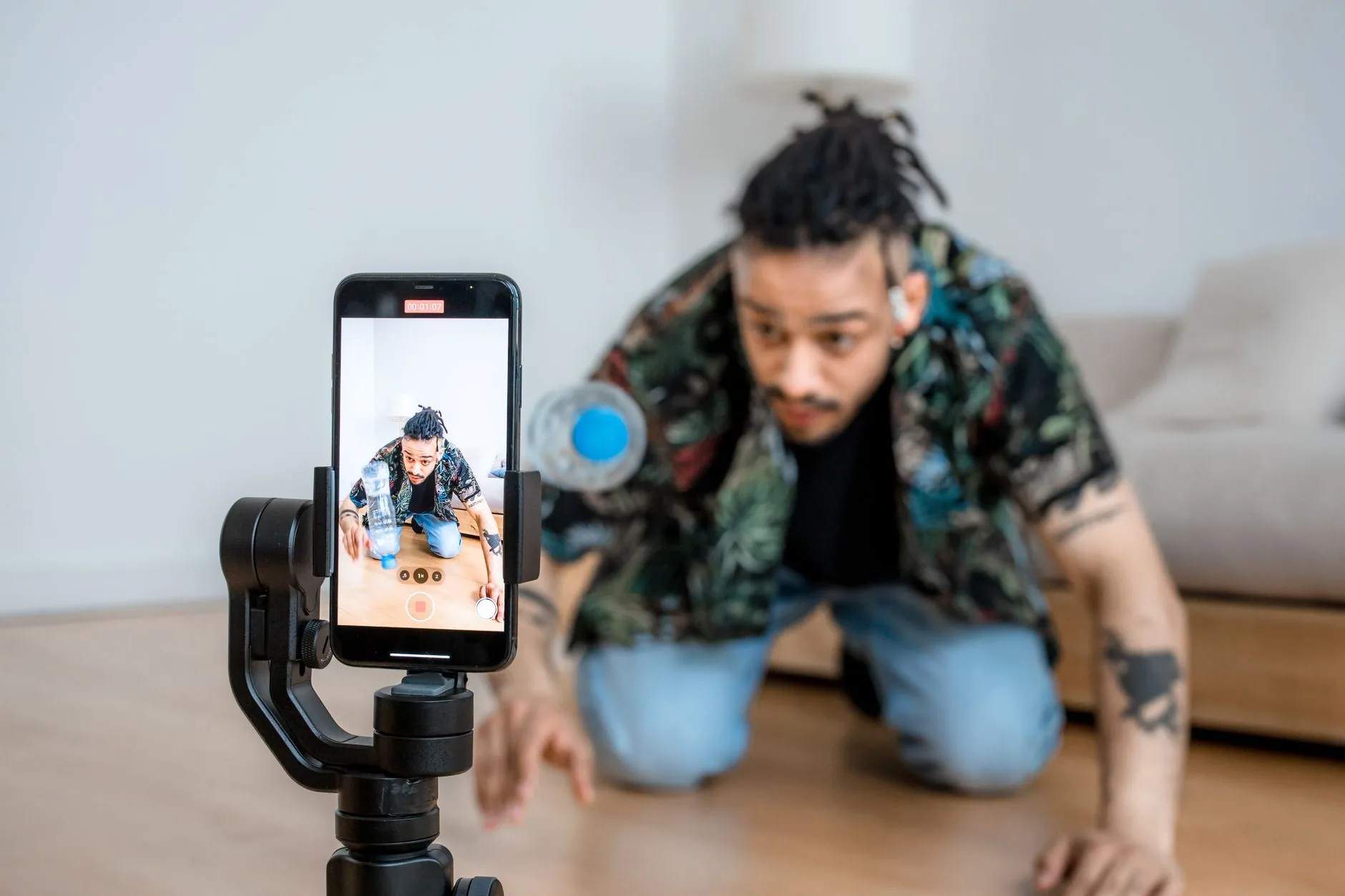
Recording horizontally and cropping to vertical for Shorts is the shortcut that works worst. You lose 40% of the image and the framing feels forced. If you plan to publish on Shorts, record in 9:16 from the start, either with the main camera in a vertical position or with a dedicated second camera. At A0Studios, when content days include Shorts, we set up a specific vertical angle that doesn't interfere with the horizontal setup for the rest of the session. A tripod with a recent smartphone (iPhone 15, Samsung S24), properly configured, is enough for most cases.
Structure the clip in 60 seconds or less
YouTube Shorts allows up to 3 minutes, but clips between 30 and 60 seconds have better retention. That means each piece needs a single central idea. The format that works best on Shorts from a studio: direct talk to camera with a specific point of view, a technique you have tested or an industry question answered without detours. If you need more than 60 seconds to explain it, it is probably long-form video content, not a Short.
Common mistakes when recording YouTube Shorts in a studio
- Recording horizontally and cropping vertically afterwards: you lose framing and resolution in 80% of cases.
- Not preparing the hook for the first 3 seconds: if the opening doesn't grab, YouTube doesn't distribute the clip.
- Cramming too many topics into one Short: Shorts works with a single idea, not summaries of long-form content.
- Using the phone's audio for the vertical angle: always sync with the clean track from the main setup.
- Publishing without a description or hashtags: YouTube Shorts needs metadata to show up in searches.
- Leaving Shorts for the end of the session when energy has already dropped: the first clips of the day are always the most natural.
Frequently asked questions
How many YouTube Shorts can I record in a 3-hour session?
With prior preparation, between 8 and 15 clips of 30-60 seconds. If the Shorts are independent recordings and not clips extracted from long-form content, allow between 10 and 20 minutes per piece, including takes and a quick review.
Do I need to edit Shorts much before publishing them?
Not if the clip is well recorded. Shorts that work have minimal editing: a clean cut, subtitles and little else. If you have to build the clip with music, transitions and effects, editing time goes up and the result doesn't always improve. Record well and edit little.
Is it better to record Shorts separately or extract them from long-form content?
The most efficient approach is to have both in the same session, planned separately. Extracting clips from a podcast episode works well for moments with a specific insight. Shorts recorded directly give you more control over the hook and the structure. At A0Studios we combine the two options depending on the type of content day.
Does YouTube Shorts make sense for B2B or companies?
Yes, and more than you might think. Not for mass reach, but to appear in specific searches within YouTube: industry terms, technical questions, comparisons. A well-titled 45-second Short about a problem your company solves appears in results when someone searches for that problem. That is worth more than a thousand views from a generic audience.
If you want to include YouTube Shorts in your next content day in Madrid, at A0Studios we plan it with you before you arrive. Get in touch via /#contacto and we'll tell you what makes sense for the type of content you produce.
If you want to record premium content in Madrid, let's talk
From a quick Reels session to a full production day with editing and delivery, we can scope it to fit.