How to use a teleprompter without sounding like a robot
Technique, pace and settings for reading from a teleprompter naturally. What separates a presenter who convinces from one who is clearly reading.
The teleprompter is scary the first time. You see the text on screen, you start reading, and within the first 30 seconds you know that what you are doing doesn't look like a person talking. It looks like someone reading. Which is exactly what you are doing.
The problem is almost never the teleprompter. It is the text you put into it, the speed you set it to and the lack of practice with voice technique. This can be trained. When you get it right, the result is a piece recorded with precise messaging but with the naturalness of a conversation.
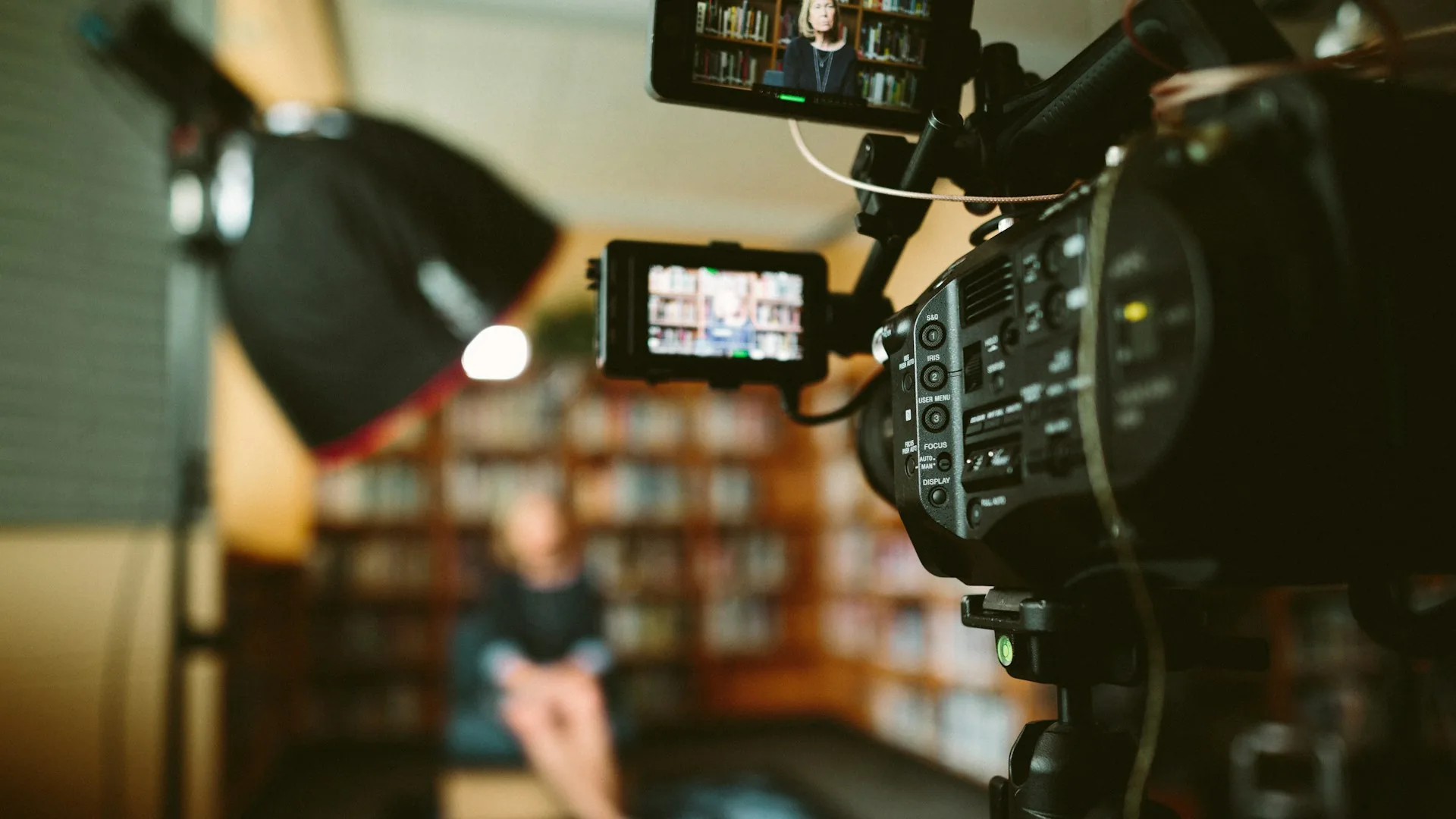
Why the teleprompter exists and when to use it
The teleprompter is a precision tool. It was invented for television because presenters needed to speak to camera fluently without missing a single comma of the script. In brand content production, it makes sense in specific contexts: VSLs, corporate statements, product presentations where legal or technical text can't be improvised.
It makes no sense for an interview, a podcast with a guest or a Reel where you want to sound spontaneous. Using it in the wrong context is the first mistake. If the format calls for naturalness, an outline of 4-5 key points is a better tool than a full script.
How to use a teleprompter well
Scroll speed
Teleprompter speed is set to the speaker's rhythm, not the other way round. If the text moves too fast, the presenter chases it and it shows. If it moves too slowly, they make forced pauses. The sweet spot is slightly slower than natural speaking speed, with room to breathe between sentences. In an A0Studios session we set the speed before shooting, not on the fly. That saves time and useless takes.
Distance from the camera and angle
The teleprompter sits over the camera lens, with a semi-transparent glass that reflects the text. If the screen is too far from the lens axis, the presenter's eyes drift visibly. When the distance is right, the viewer sees someone looking at the camera. The difference between the two cases is huge in post-production: the first can't be fixed, the second needs nothing.
The text and the rhythm of the sentences
A script for a teleprompter is not the same as a text to read on paper. Sentences should be shorter. No three-level subordinate clauses. No technical terms you don't pronounce naturally. A good test: if you read the script aloud and stumble at some point, rewrite that sentence. The teleprompter reproduces exactly what you wrote, stumbles included. Before recording, read the whole script aloud at least twice.
Most common teleprompter mistakes
- Writing the script like an article instead of spoken speech.
- Setting the scroll speed without testing it before shooting.
- Placing the prompter screen too far from the camera axis.
- Not doing a read-through aloud before the shoot.
- Memorising the text instead of reading it: the point of the teleprompter is that you don't memorise it.
- Using the teleprompter in formats where naturalness matters more than message precision.
Frequently asked questions
How long does it take to get used to a teleprompter?
It depends on where you start. Someone with presentation or voice-over experience gets the hang of it in 20-30 minutes of practice. Someone with no camera habit may need 2-3 sessions for the result to be convincing. At A0Studios, if it's your first time with the prompter, we let it roll with no pressure for the first 10 minutes so you find the rhythm before recording the final piece.
Is a teleprompter better than a memorised script?
For pieces longer than 90 seconds, the teleprompter wins. Memorising a long script uses up energy that is then not available for expression and tone. With the prompter properly adjusted, the presenter can focus on how they say things, not on what comes next. For short pieces of 30-45 seconds, memorising can feel more natural if the presenter is at ease.
Which teleprompter app do you use at A0Studios?
We mainly use PromptSmart Pro and Teleprompter Premium, which let you adjust scroll speed, text size and reading margins. For sessions with an iPad connected to the prompter glass, we use a large font, black background and white text. A grey or green background makes reading harder under studio light.
Does the teleprompter work well with people who wear glasses?
Yes, although you need to adjust the reflector position to avoid glare. Metal frames reflect the most. Adjusting the angle of the glass by 2-3 degrees usually solves it. At A0Studios we test it before starting if the session requires it.
If you have a message that needs precision and you want to record it naturally, get in touch via /#contacto. At A0Studios we have the equipment and the process so the teleprompter stops scaring you and starts working for you.
If you want to record premium content in Madrid, let's talk
From a quick Reels session to a full production day with editing and delivery, we can scope it to fit.