How to give feedback to a video editor without wasting time on revisions
How to structure feedback to a video editor so revisions are quick and clear, instead of turning into rounds of changes that never end.
Video editing almost never fails at the recording stage. It fails in the revisions: vague feedback, rounds of changes that pile up without solving anything, and a video that takes weeks to go out when technically it was ready from the first delivery.
At A0Studios we manage the editing of most of the projects we record in Recording + Editing and Full Production, and the bottleneck is almost never the editor: it's how what needs changing is communicated. Badly given feedback multiplies revision rounds without improving the final result, and well-structured feedback can close a project in a single pass.
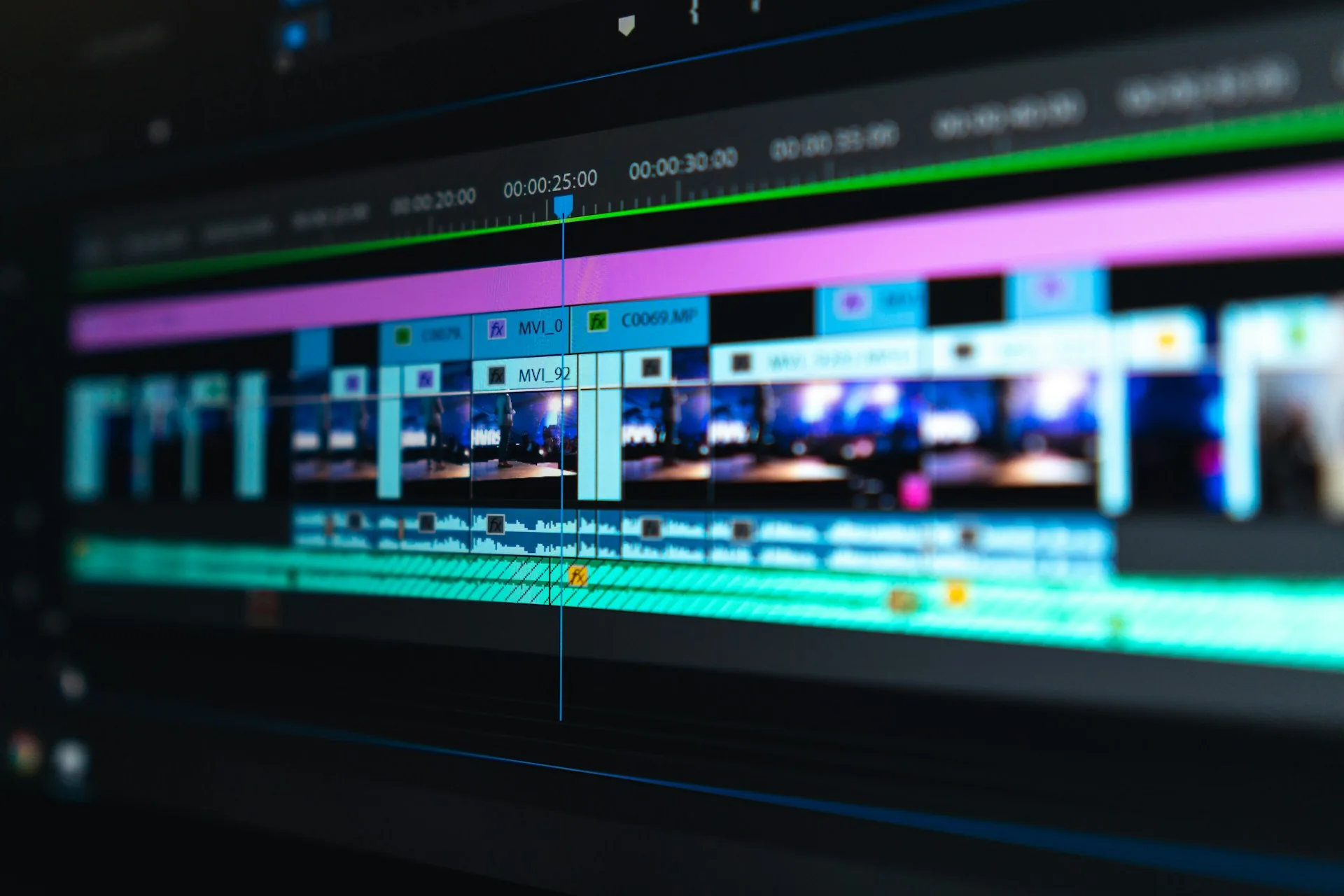
Why revisions drag on so long
This shows most with clients who record content regularly: if each video takes three or four rounds to close, the publishing calendar breaks every time, even though the recording and editing team does its job well.
The problem is usually not the number of changes but the ambiguity. Comments like "I'm not convinced by the pacing" or "make it feel more professional" don't tell the editor exactly what to touch. The next delivery gets it half right, new comments appear about parts already fixed, and the process stretches out without the video improving at the expected pace.
Each revision round without clear instructions adds days, not hours. If the project has a publication date, that margin eats the entire content calendar, not just the video in question: a one-week delay on one video usually drags along the three or four behind it in the publishing plan.
How to do it well
Give feedback with timestamps, not in general terms
A comment with no timestamp forces the editor to watch the whole video looking for what you mean. "The cut at 1:24 feels abrupt" gets fixed in five minutes. "I don't like the pacing at the start" can mean ten different things and none of them is clear without more context or an example.
Separate taste from error
An objective flaw (an audio jump, a misplaced logo, a transition that doesn't work) is not the same as a style preference. Flag them separately. Errors always get fixed; preferences are negotiated, and it's fine to say no when they break the rhythm or coherence of the finished video, even if the client insists on trying it.
Close the revision rounds with a number
Define in advance how many rounds of changes the project includes (at A0Studios we usually work with two) and communicate it that way to everyone on the team who will give feedback before the review starts. Without that clear limit, it's easy for the process to become an open-ended review that never ends and wears down both the editor and the client.
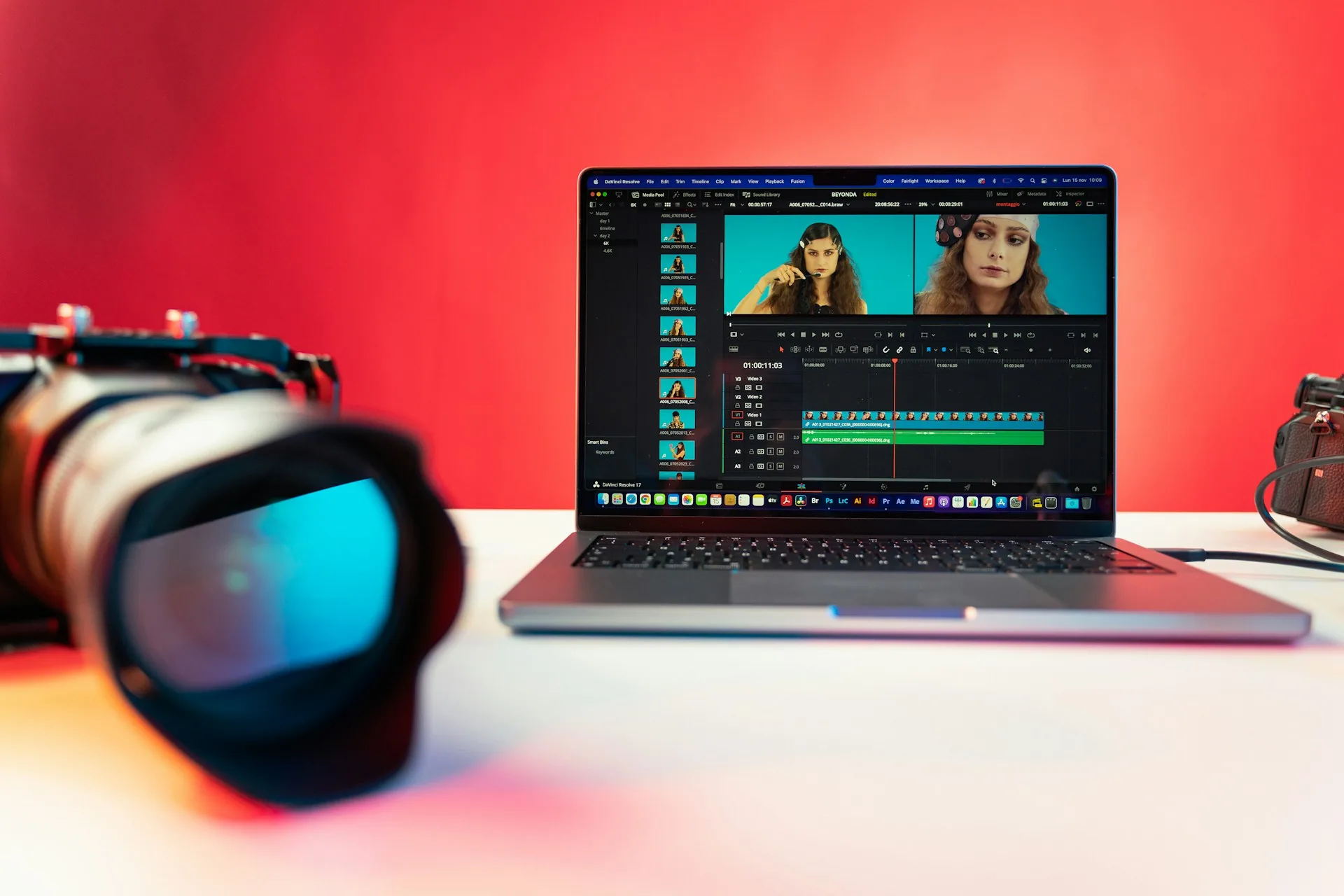
Common mistakes
- Sending feedback from several people without consolidating it first: the editor gets contradictory instructions and doesn't know which to prioritize.
- Requesting changes through scattered messages instead of a closed list of numbered points.
- Not giving the exact minute of the video and expecting the editor to find it on their own.
- Changing your mind about something that was already approved in a previous round.
- Giving feedback without having watched the whole video, only the first minute.
- Not setting a limit on revision rounds from the start of the project.
Frequently asked questions
How many revision rounds are reasonable for a brand video?
Two is usually enough if the feedback arrives clear and consolidated from the start. More than three rounds almost always means the problem isn't the editing itself, but that the initial brief wasn't defined well enough before recording began.
Who should give the feedback if several people are involved?
Ideally one person who consolidates the team's comments before sending them to the editor. If the editor receives direct feedback from five different people, they will almost certainly find contradictions between them and lose time deciding which to follow.
How do you share timestamped feedback in practice?
With tools like Frame.io or even timestamped comments on a Google Drive link. What matters is not the specific tool, it's that each comment points to an exact minute of the video, not a general feeling about the whole.
Does A0Studios include revision rounds in editing?
Yes. In Recording + Editing and Full Production the price already includes rounds of adjustments agreed in advance, and we help structure the client's feedback so those rounds are resolved quickly and without friction.
Good feedback doesn't just speed up editing, it speeds up the whole content calendar that depends on that video. If you want your pieces to get through review the first time without endless rounds, get in touch via /#contacto.
If you want to record premium content in Madrid, let's talk
From a quick Reels session to a full production day with editing and delivery, we can scope it to fit.